79
Map Display
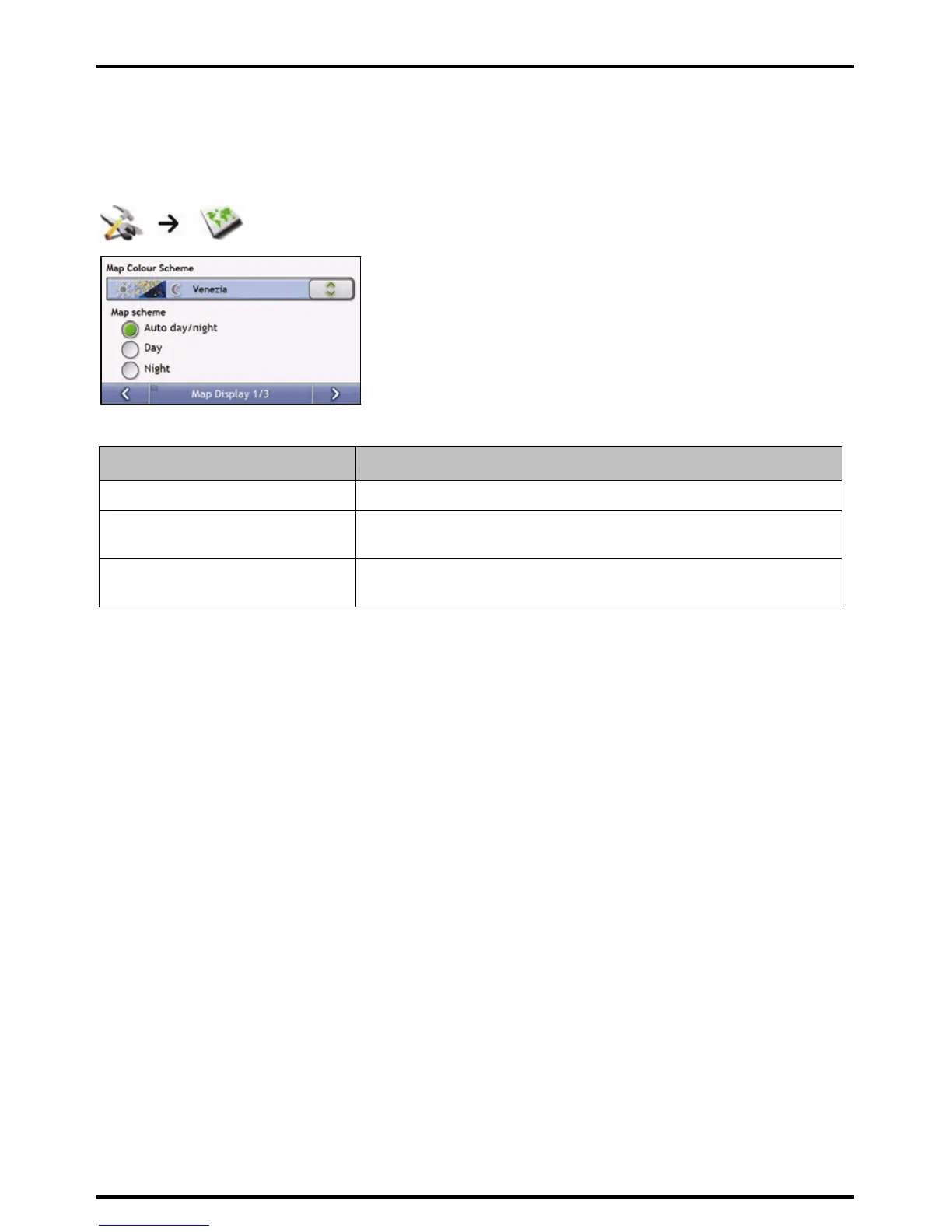
You can change the look and behaviour of the Map screens by customizing the Map Display preferences.
Map Display 1/3
Complete the following:
If you want to ... Then...
change the map colour scheme select your preferred scheme from the Map Scheme box.
set the screen contrast to automatically
adjust
select the Auto day/night option.
improve screen contrast in light or dark
conditions
select either the Day or the Night option to manually adjust the contrast.
Your preferences are automatically saved.














 To Next Page