75
Route Options
You can enhance your navigation experience by modifying aspects of your route and route calculation.
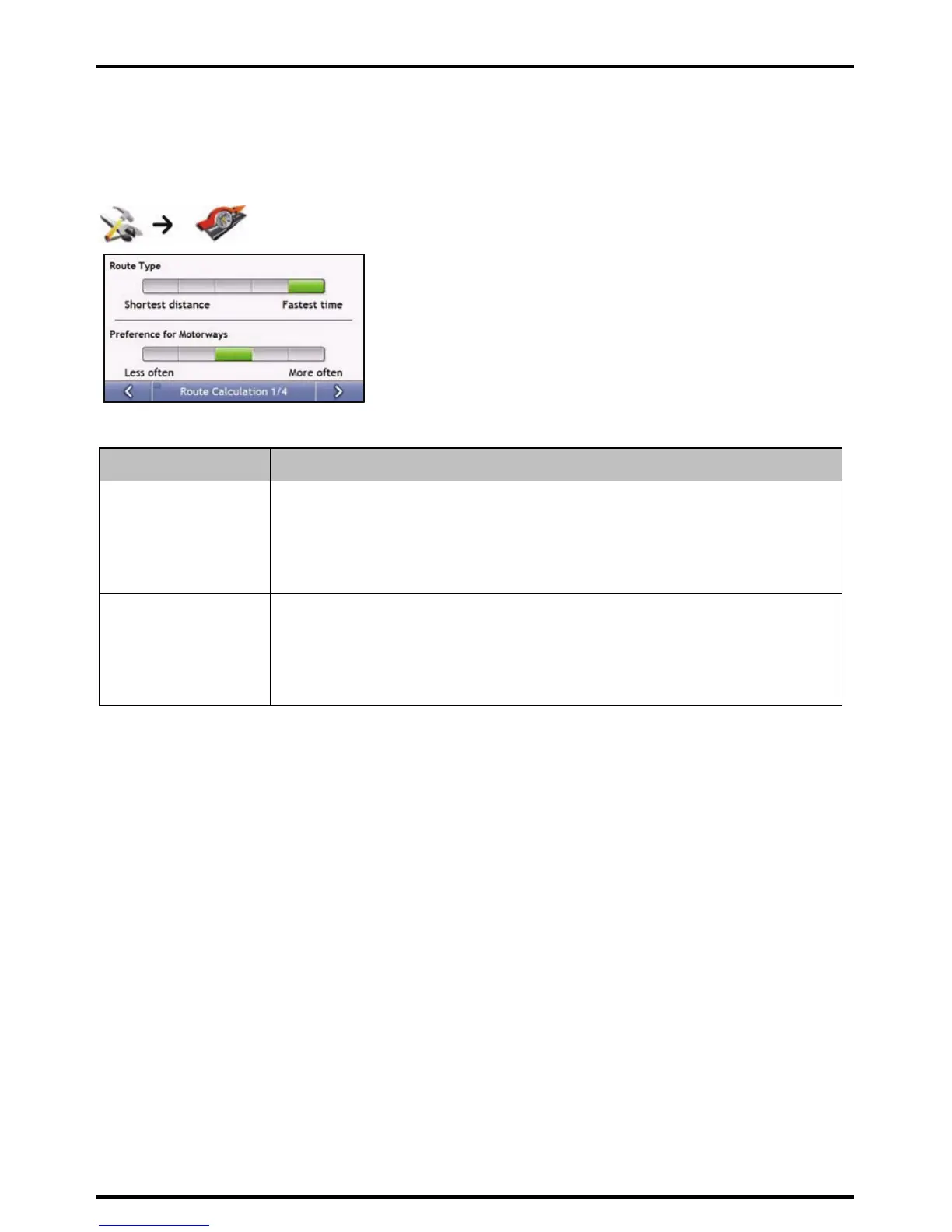
Route Calculation 1/4
Complete the following:
If you want to ... Then ...
change the route type move the Route Type slider towards Fastest time to give high priority to the fastest time
when calculating a route.
move the Route Type slider towards Shortest distance to give high priority to the shortest
distance when calculating a route.
Note: Selecting Shortest distance over Faster time can cause much longer journey time.
change the preference for
motorways
move the Preference for Motorways slider towards Less often to use roads other than
motorways where possible when calculating a route.
Note: This option may not completely remove Motorways from a route.
move the Preference for Motorways slider towards More often to use motorways where
possible when calculating a route.
Your preferences are automatically saved.














 To Next Page