82
Map POIs
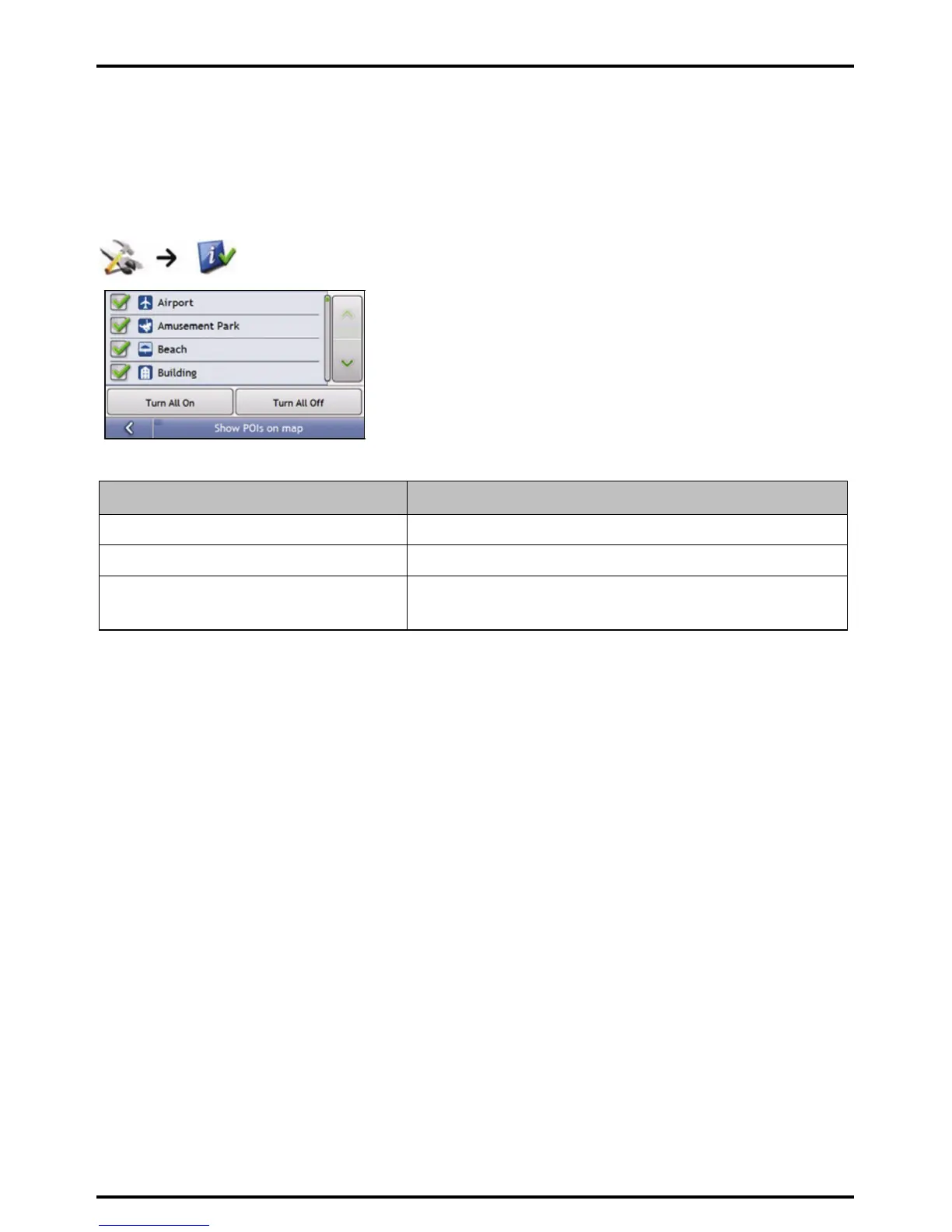
Points of Interest (POIs) are grouped into categories. You may choose to either display (or hide) icons of all POI
categories on the map screens, or only display the icons from selected categories.
For example, you may only be interested in entertainment venues and want to disable other categories such as
schools.
Complete the following:
If you want to ... Then...
display all POI icons (ie, icons from all categories) Tap Turn All On.
display no POI icons Tap Turn All Off.
select a specific POI category icon for display on
the map screens
select the required POI category checkbox;
repeat until all required categories are selected.
Your preferences are automatically saved.














 To Next Page