89
Language
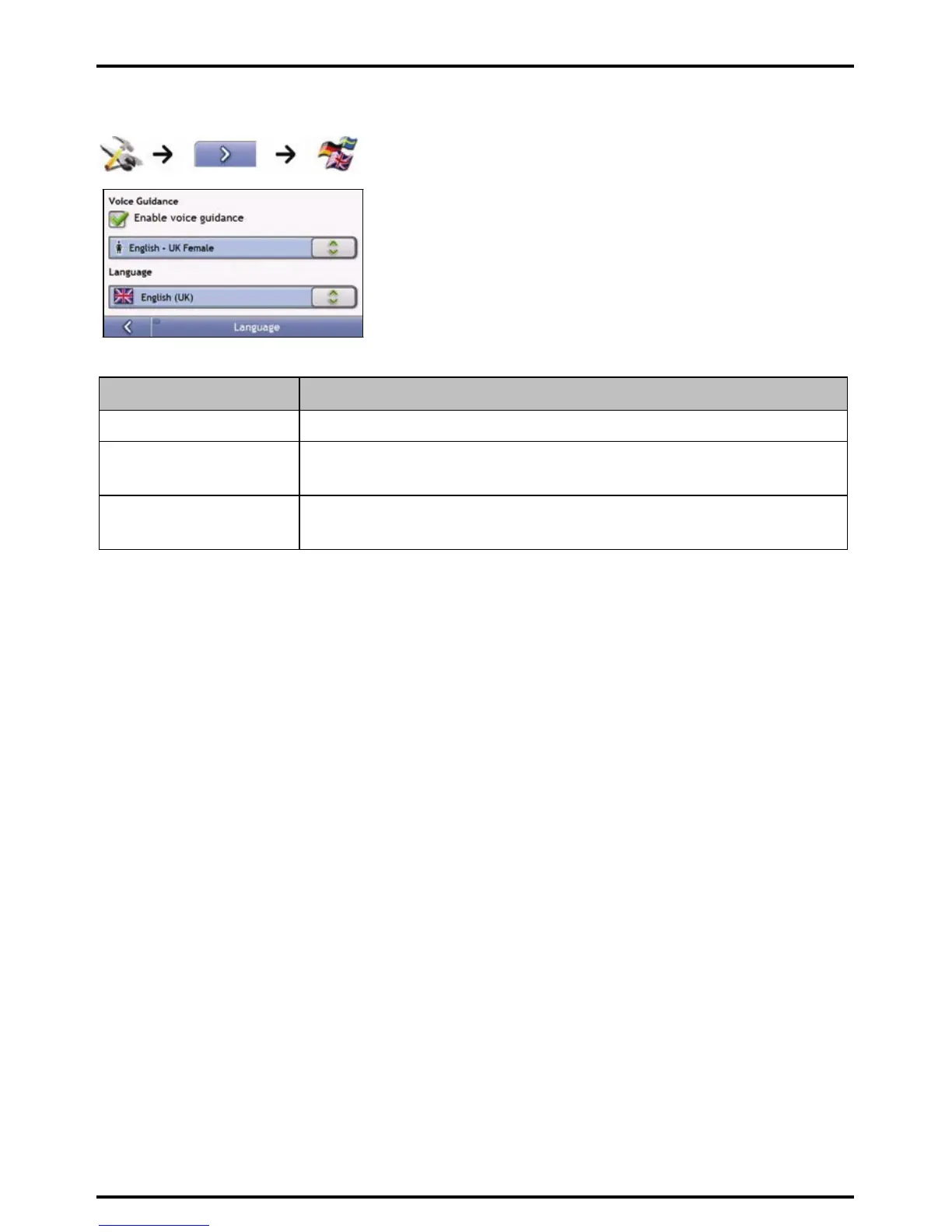
Complete the following:
If you want to ... Then...
enable voice guidance select the Enable voice guidance check box.
change the on-screen language select your preferred language from the Language box and tap Yes.
Your language preference is saved and the map screen is displayed.
change the voice scheme select your preferred voice scheme from the Voice Guidance box.
Note: Only voice schemes that are compatible with the chosen language are displayed.
Your preferences are automatically saved.














 To Next Page