62
How do I search for a POI using Mio Connect?
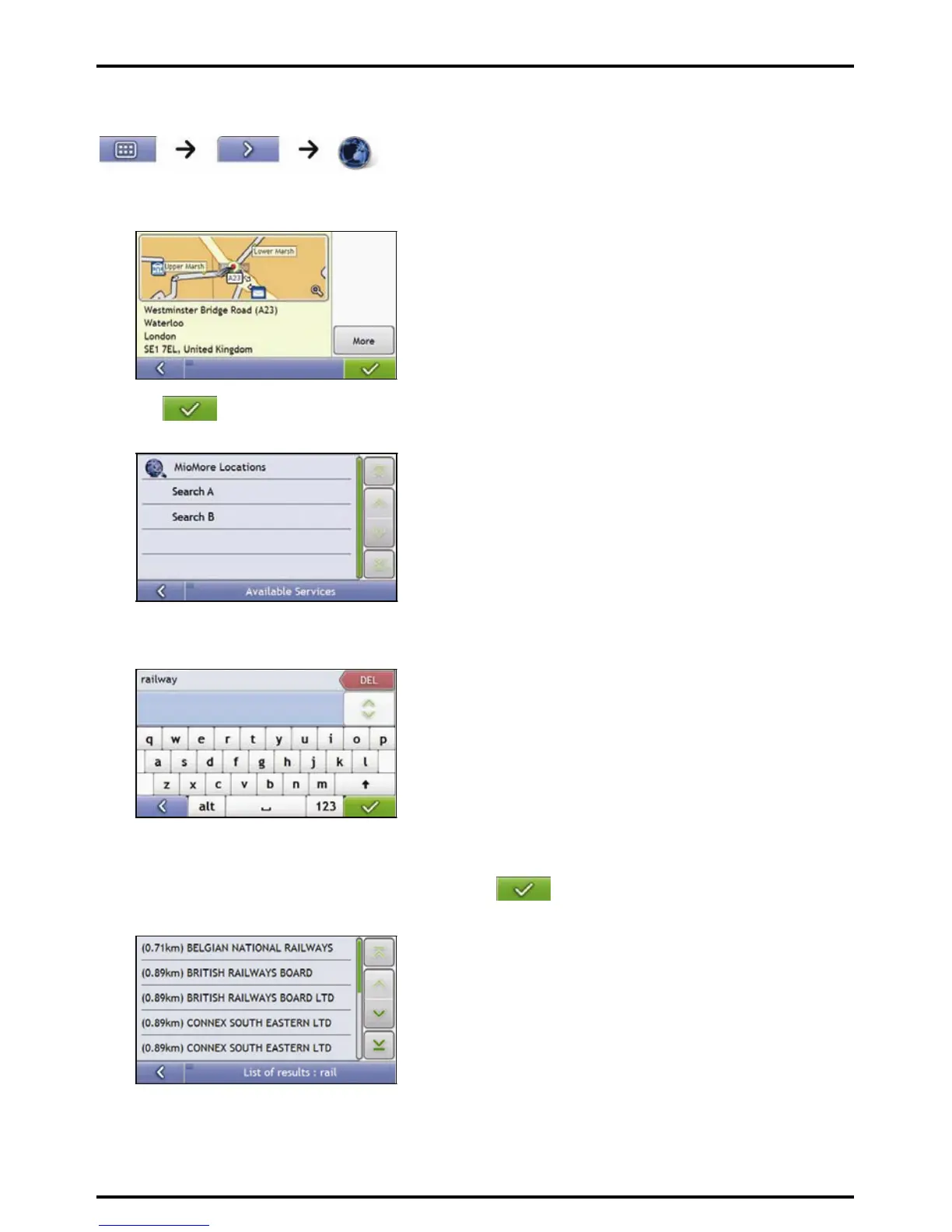
1. From the Search Location screen, tap and select your location.
The Preview screen will display.
2. Tap
.
The Available Services screen will display.
3. Tap and select your preferred POI search service.
The Keyboard screen will display.
Note: Depending on the country you are navigating, the available search services may vary. Depending on the service
selected you can search for a POI by name or by category.
4. Use the Keyboard screen to search for a POI, then tap .
The List of Results screen will display.














 To Next Page