63
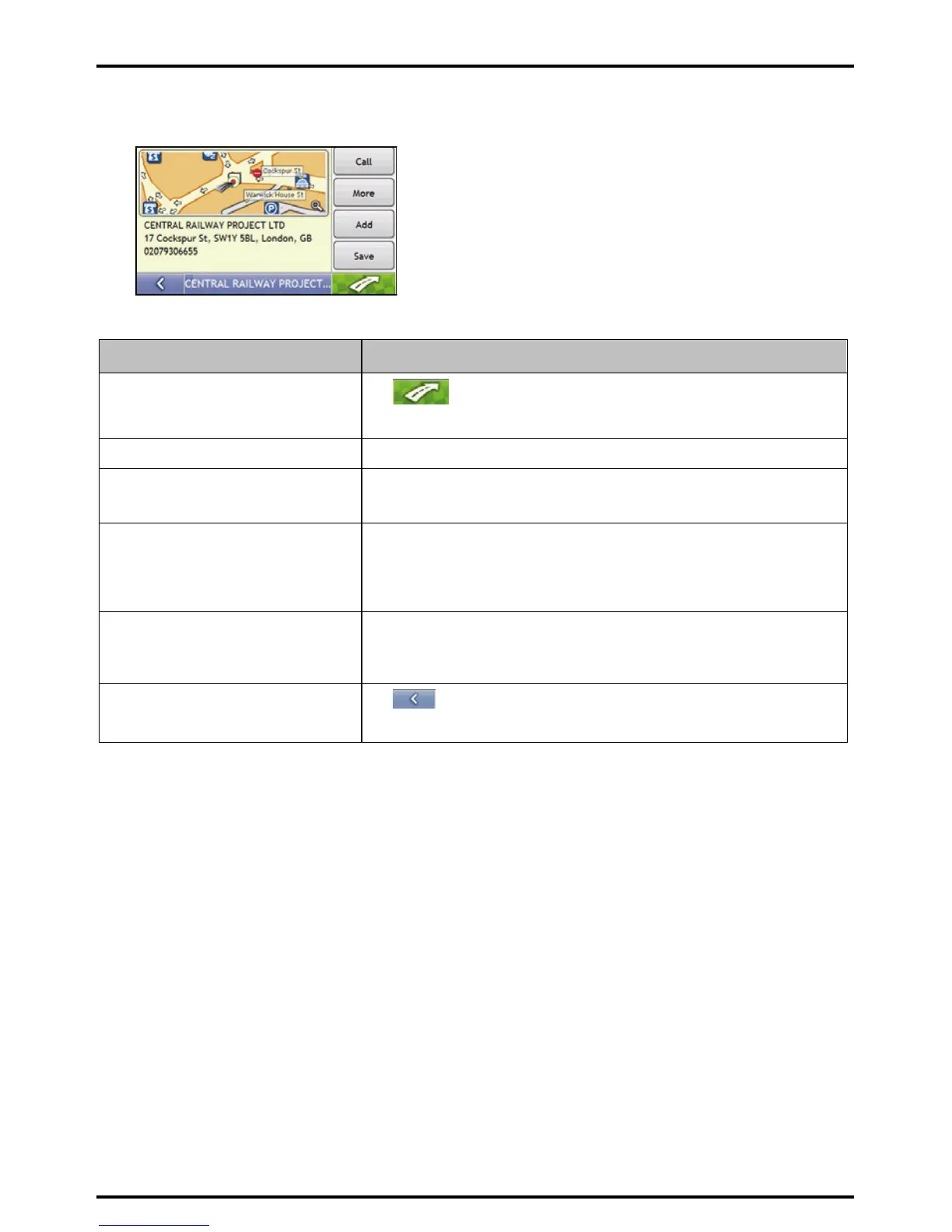
5. Select a POI.
The Preview screen will display.
6. Complete the following:
If you want to ... Then...
calculate the route and open the 3D Map
screen
Tap
.
Your route is calculated; the 3D Map screen will display.
view the position on the 2D Map screen tap the map to display the position on the 2D Map screen.
make a phone call to the POI tap Call.
Note: This feature is not available on all models.
save the search string as a favourite tap Save.
The New Favourite screen will display.
tap Save Search Word.
The search string is saved and the Destination Details screen will display
save the destination as a Favourite tap Save.
The New Favourite screen will display.
tap Save as Favourite.
change your destination
Tap
.
The List of Result screen will display














 To Next Page