28
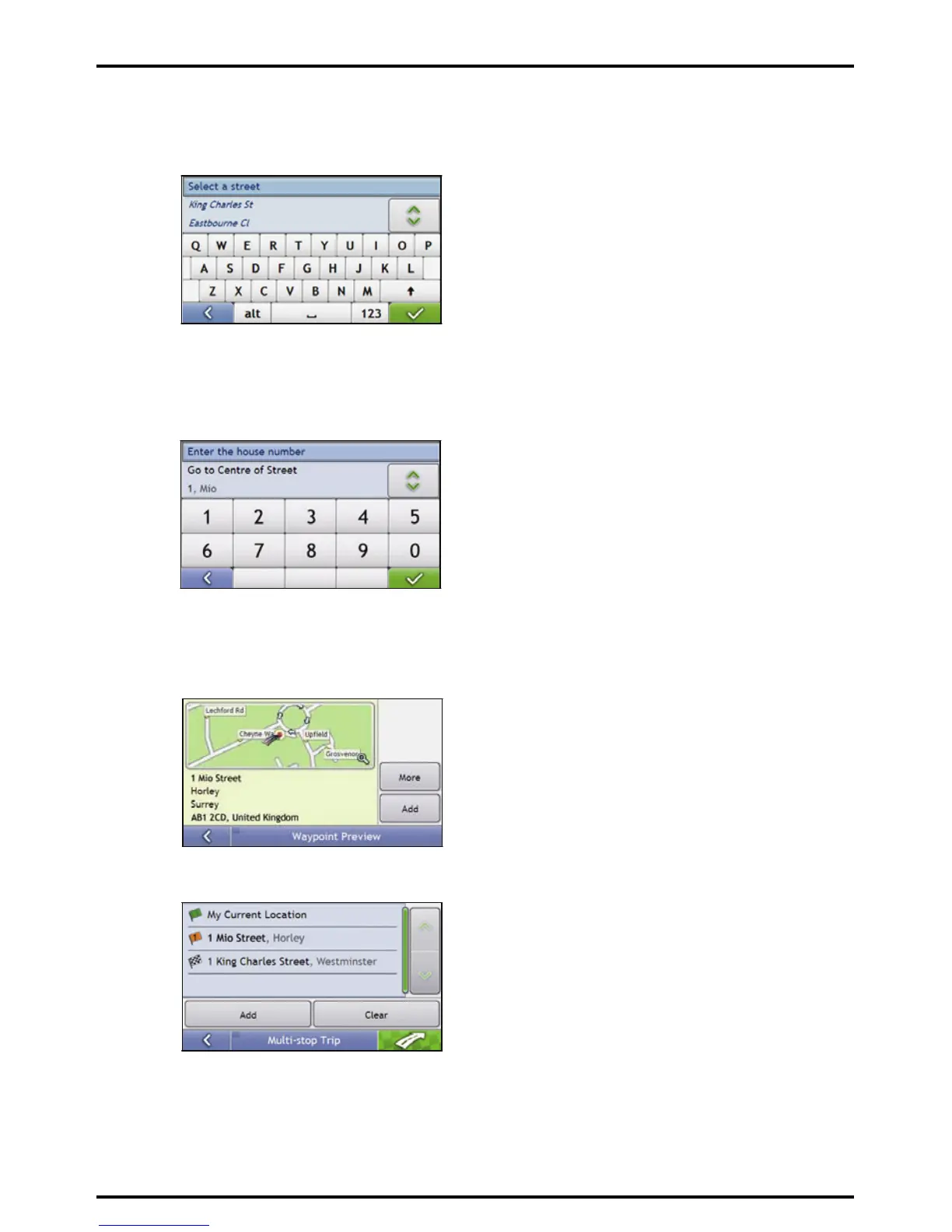
4. Search for the street name and house number
a) From the Destination Search screen, tap Street Address.
The Keyboard screen will display.
b) Use the Keyboard screen to enter Mio Street as the street name of your destination, then tap the
search result.
Note: There may be multiple matches for a particular street name. Long streets that run through several neighbouring areas,
and common street names will produce search results ordered by their city or area name.
c) Use the Keyboard screen to enter 1 as the house number of your destination.
The Preview screen will display.
Note: If house numbers are available, but not that you require, you may have to choose the same street in a neighbouring area.
If house numbers are not available for your selected section of the street the Destination Preview screen will display.
d) Tap Add.
The waypoint is automatically saved and the Multi-stop-Trip screen will display.














 To Next Page