13. Applications
MiR250 User Guide (en) 11/2020 - v.1.3 ©Copyright 2020: Mobile Industrial Robots A/S. 181
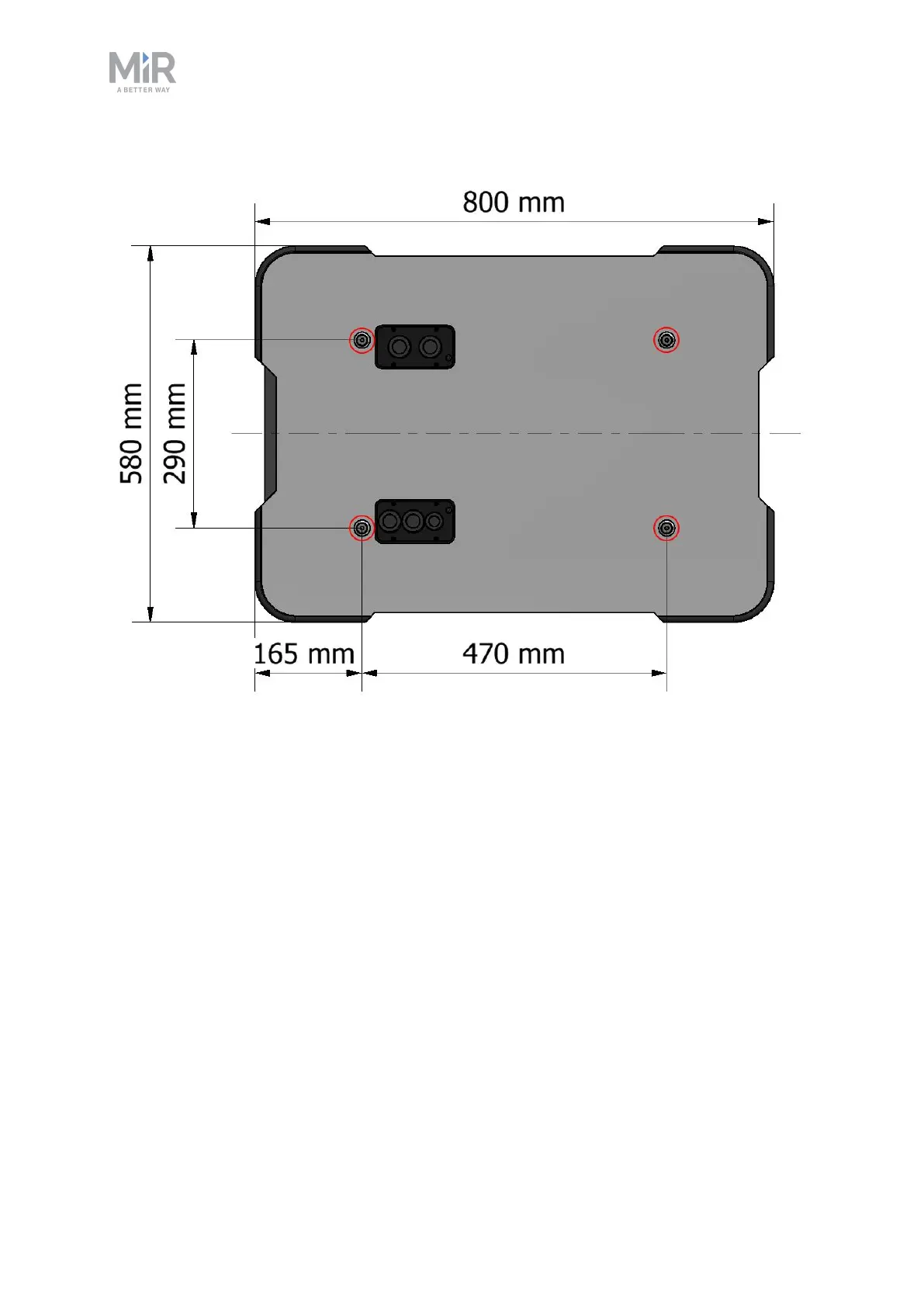
Figure 13.1. Mounting holes on the top of MiR250.
Certain top modules may require the installation of an extra Emergency stop button.
Perform a risk assessment according to standard ISO 12100—see Risk assessment on
page107.
The mounting holes are in the chassis, so the top cover does not need to be on the robot
when you mount a top application.



 To Next Page