MiR500 User guide (en) 09/2019 - v.1.3 ©Copyright 2018-2020: Mobile Industrial Robots A/S. 106
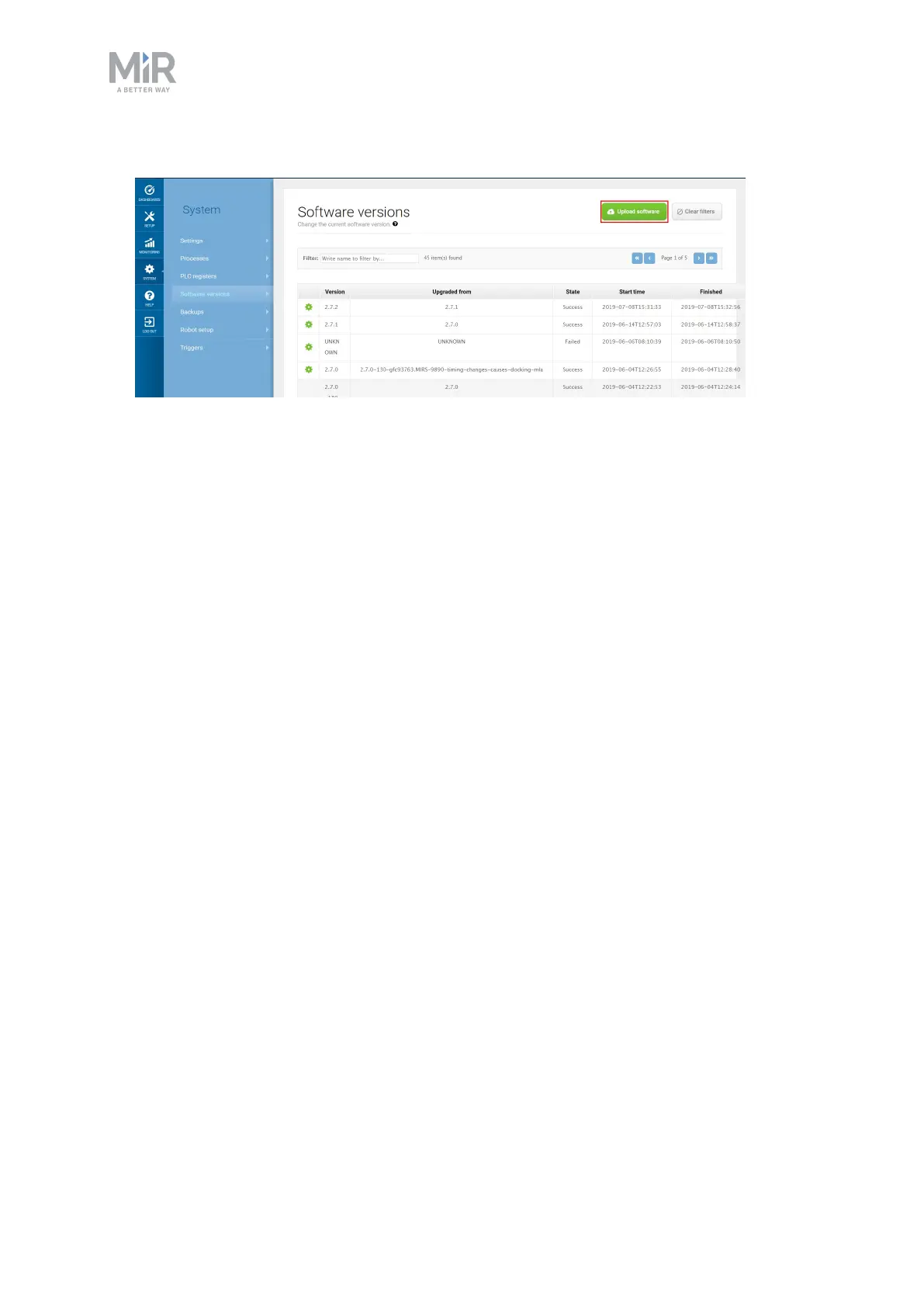
5. Navigate to System > Software versions and select Upload software.
6. Locate and select the downloaded software package. It may take a few minutes for the
package to successfully upload.
7. Once the software is uploaded, turn the robot off and then on again.



 To Next Page