6. Usage
MiR500 User guide (en) 09/2019 - v.1.3 ©Copyright 2018-2020: Mobile Industrial Robots A/S. 112
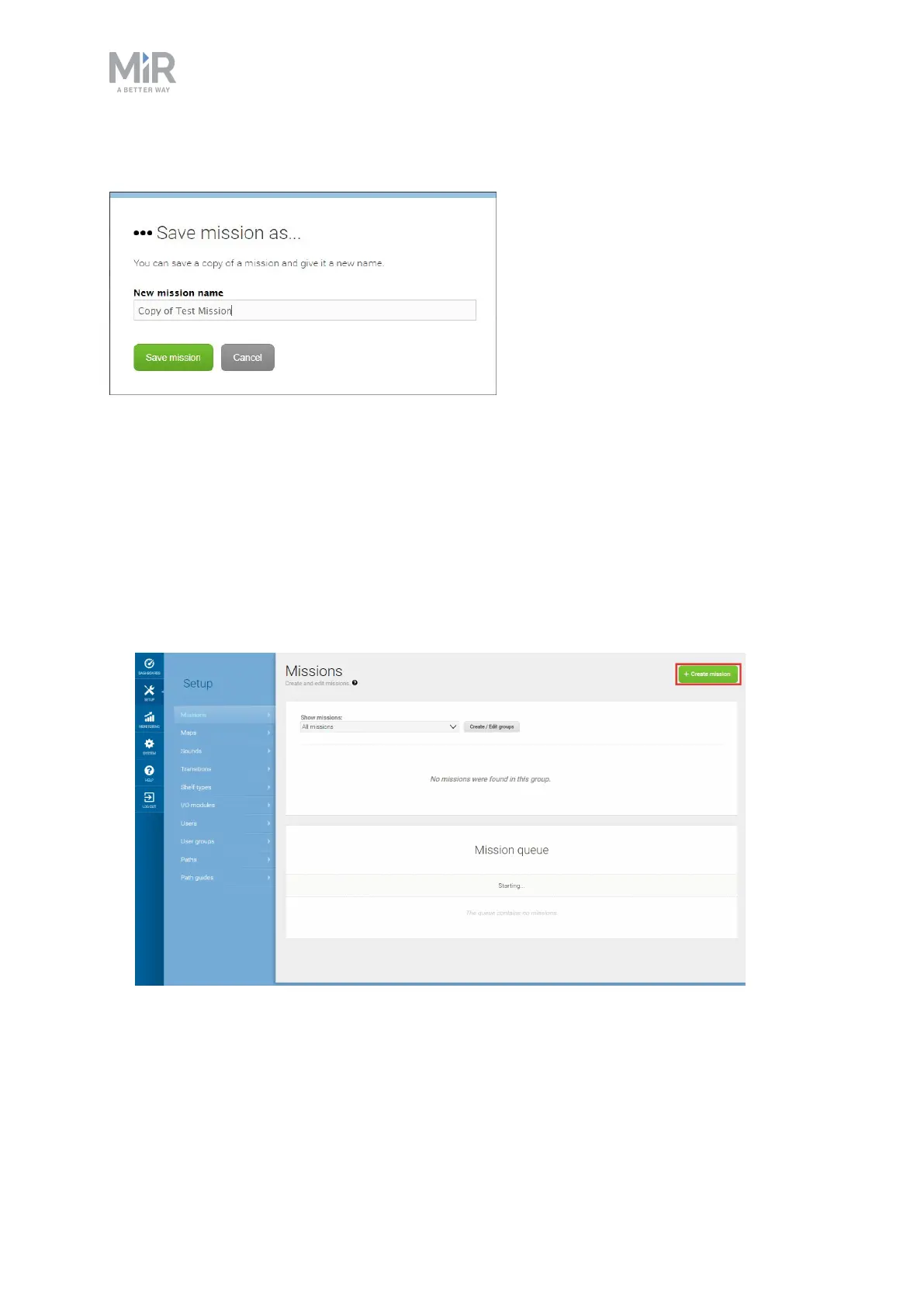
In the Mission editor window, select Save as.
6.4 Creating a pick up shelf and a place shelf mission
This section describes how to create a pick up and place shelf mission.
To create the mission, it is assumed you have completed the following:
• Enabled the shelf feature, as described in Enable MiR500 feature
• Created a shelf position, as described in Setting cartshelf positions on the map
• Placed a physical shelf at the shelf position.
1. Go to Setup > Missions. Select Create mission.
2. Give the mission a name, for example Pick up and place shelf. Select the group and site
you want it to belong to. Select Create mission.



 To Next Page