4. Getting started
MiR500 User guide (en) 09/2019 - v.1.3 ©Copyright 2018-2020: Mobile Industrial Robots A/S. 77
4.8 Shutting down the robot
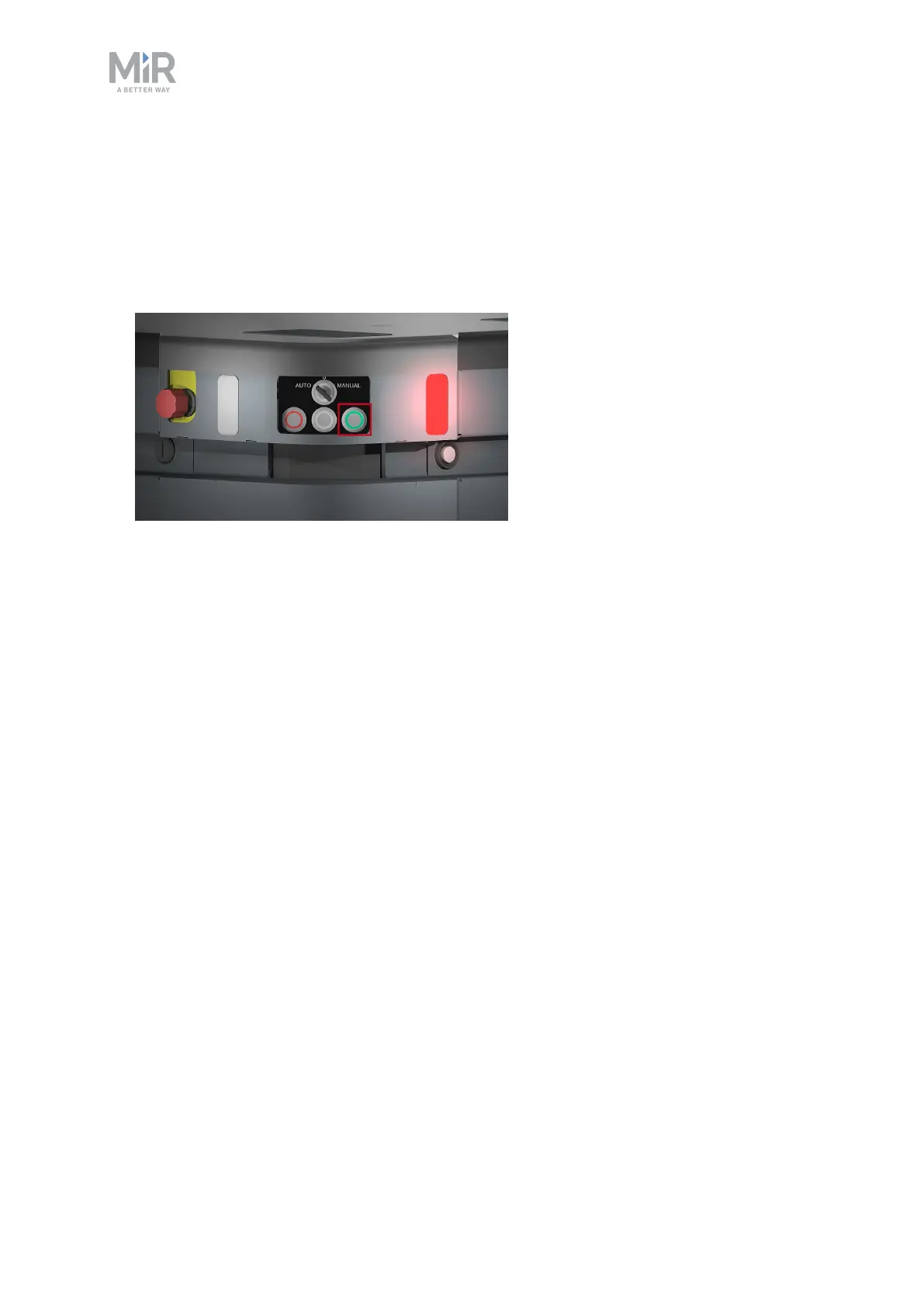
To shut down MiR500:
1. Ensure that the robot is not moving or executing an action.
2. Press the On/Off button for five seconds.
3. The robot starts the shutdown process. Status lights blink yellow, the On/Off button blinks
red.
4. When the robot finishes the shutdown process, the status and the signal lights go off, the
On/Off button turns blue.
If shutting the robot down for transportation or service/repair, the battery disconnect switch
must be turned off as well and the battery cable disconnected, see MiR500 User guide.



 To Next Page