4. Getting started
MiR500 User guide (en) 09/2019 - v.1.3 ©Copyright 2018-2020: Mobile Industrial Robots A/S. 74
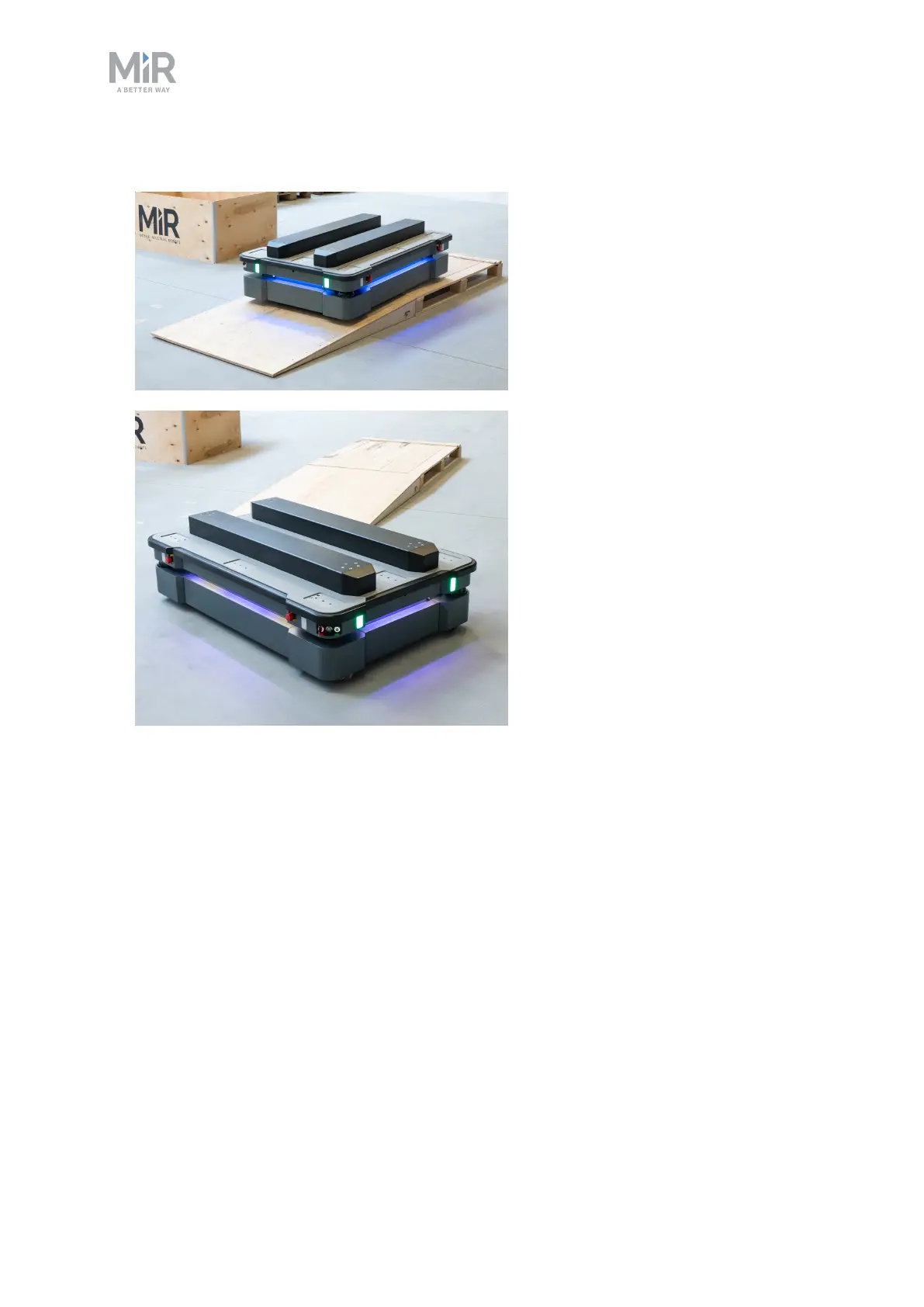
5. Drive the robot using the joystick.
4.6 Checking the hardware status
To check that all hardware components work as intended follow the steps below:
1. Sign in to the robot interface. See the section Connecting to the robot interface on
page1.
2. Go to Monitoring > Hardware health.



 To Next Page