3. Product presentation
MiR500 User guide (en) 09/2019 - v.1.3 ©Copyright 2018-2020: Mobile Industrial Robots A/S. 25
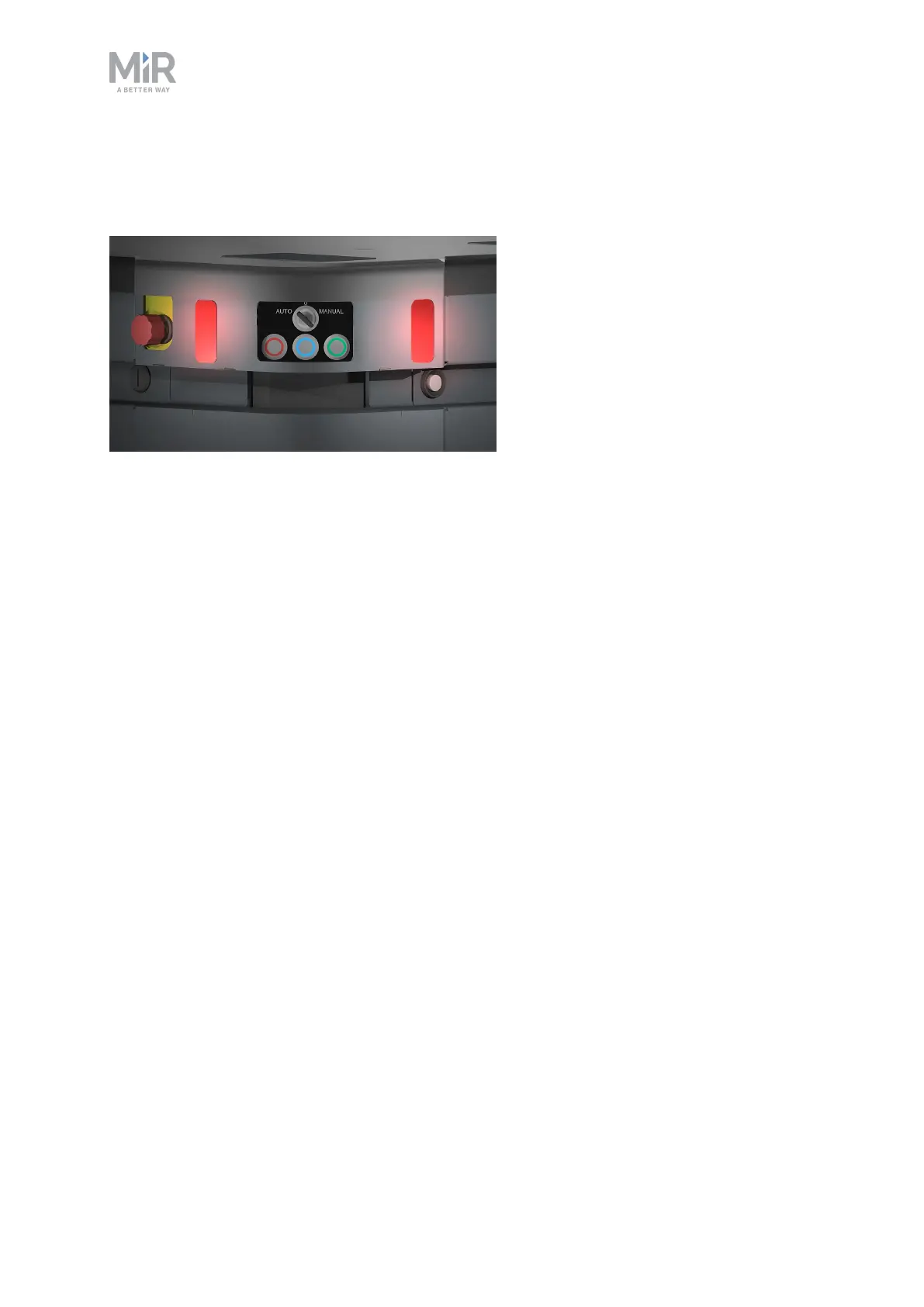
3.3 MiR500 control panel
MiR500 has a control panel in the rear-left corner of the robot.
The Operating mode key
The Operating mode key lets you switch between operating modes.
• Left position: Autonomous mode.
Puts the robot in Autonomous mode.
• Middle position: Stop.
Stops the robot. The robot blocks the wheels, you cannot start a mission or drive the robot
manually.
• Right position: Manual mode.
Puts the robot in Manual mode.
For more information on operating modes, see MiR500 operating modes on page27.



 To Next Page