10. Troubleshooting
MiR500 User guide (en) 09/2019 - v.1.3 ©Copyright 2018-2020: Mobile Industrial Robots A/S. 151
10.9 Error handling
An error occurs when the robot cannot solve a situation on its own.
Errors include:
• Hardware faults
• Failed localization
• Failure to reach destination
• Unexpected events in the system
An error causes a full system stop. The robot is paused until a person acknowledges the error
and clears it.
Proper setup of maps and missions effectively prevent most errors.
• Use Try/Catch actions.
• Define forbidden areas.
• Remove noise from maps.
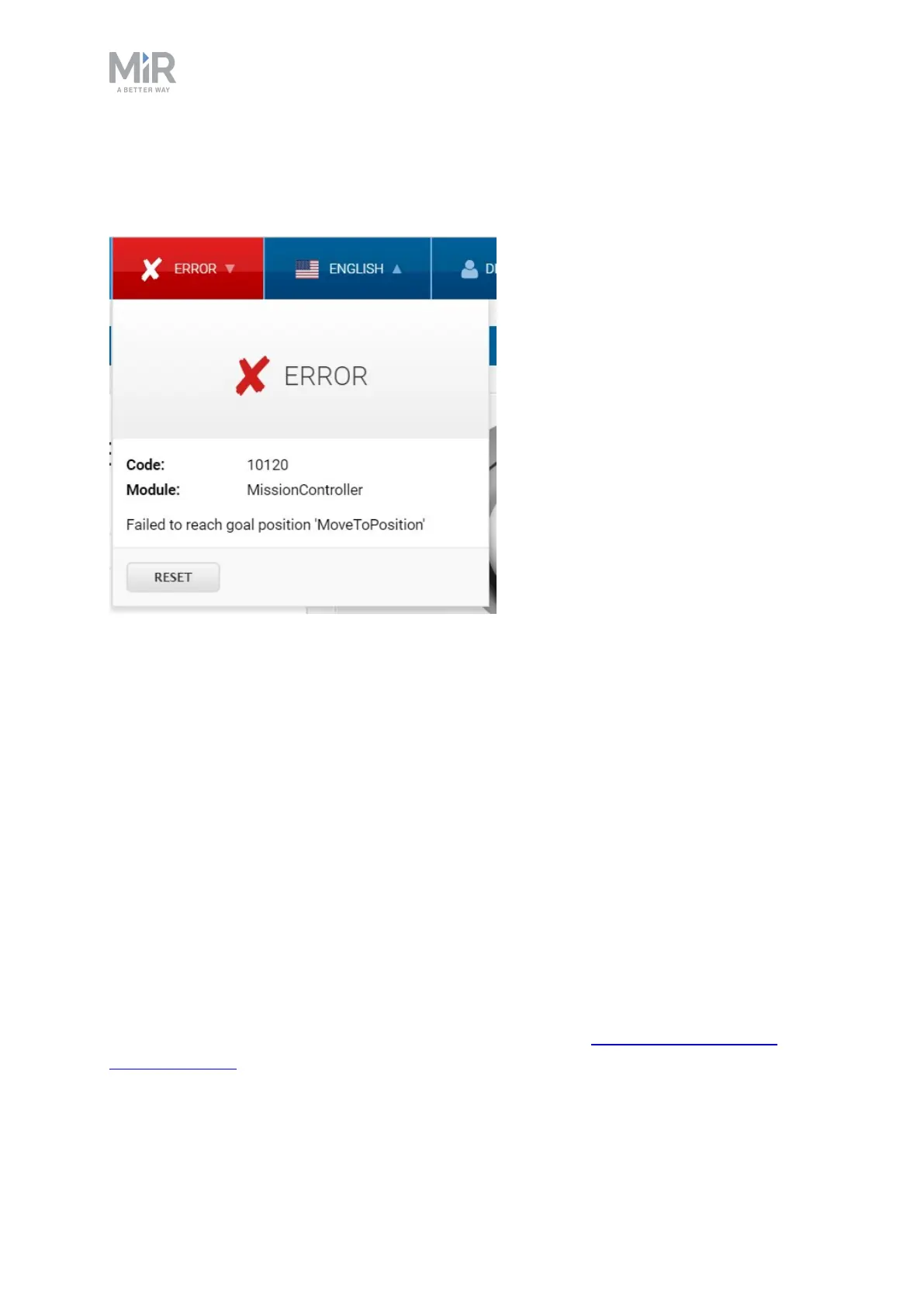
To clear an error, select the red warning indicator in the interface and select reset.
For more details on setting up missions and error handling, see MiR Robot Interface 2.0
Reference Guide.



 To Previous Page