4. Getting started
MiR500 User guide (en) 09/2019 - v.1.3 ©Copyright 2018-2020: Mobile Industrial Robots A/S. 75
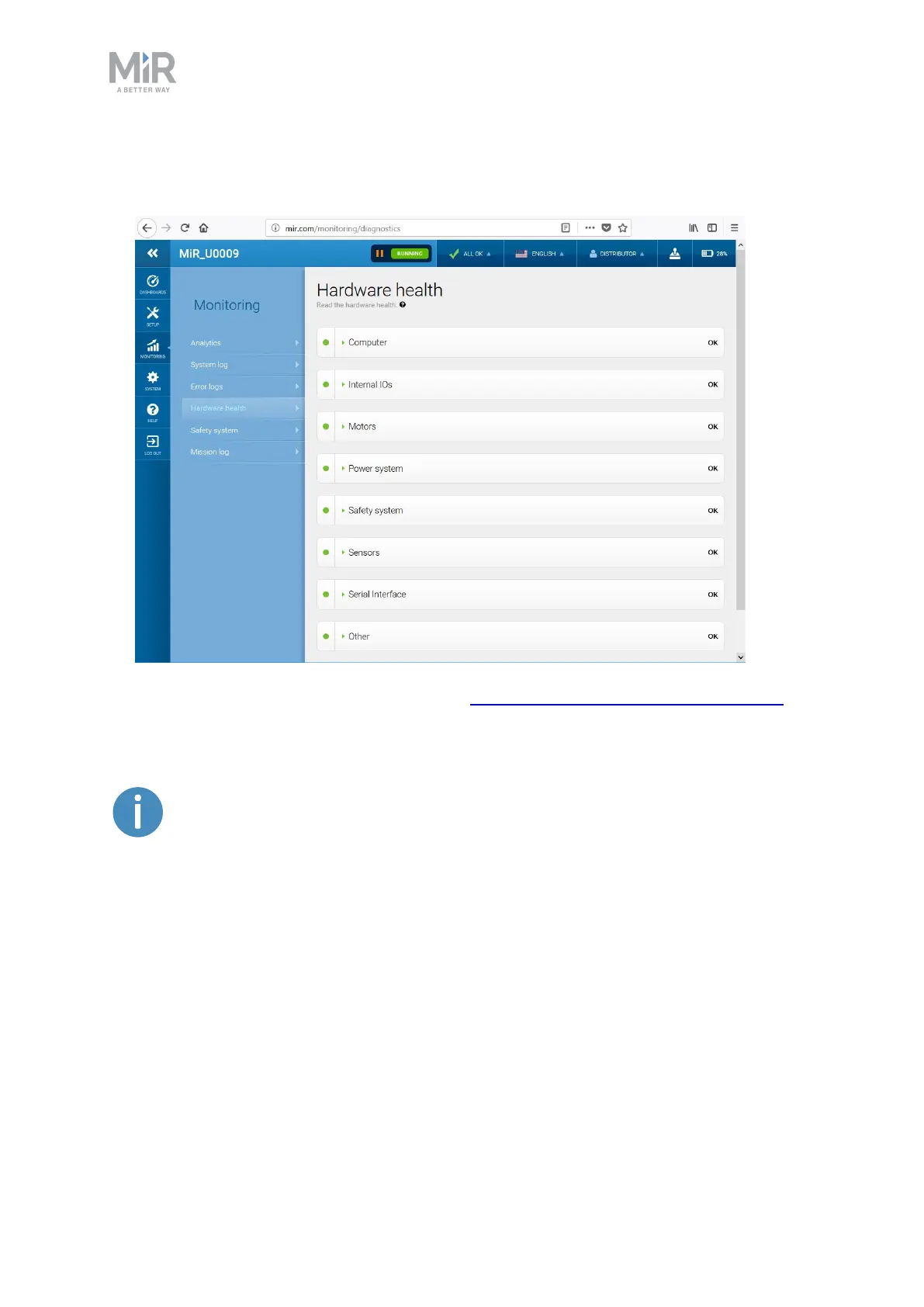
3. Check that all elements on the page have the OK status and that they have green dots on
the left.
For more information, see Hardware health in MiR Robot Interface 2.0 Reference Guide.
4.7 Charging the robot
A charger cable and an external charger is not part of the MiR500 standard
delivery.
To charge MiR500 using the cable charger:
1. Open the maintenance hatch at the back of the robot. To open the hatch, push two
buttons on the hatch and pull the hatch.



 To Next Page