MiR500 User guide (en) 09/2019 - v.1.3 ©Copyright 2018-2020: Mobile Industrial Robots A/S. 105
6.1 Updating MiR500 software
This section describes how to update the robot software.
MiR continuously updates the software the robots use, either to fix issues, to improve
existing features, or to introduce new features. Each software release is issued with a
release note explaining the content of the update and its target audience.
Follow the steps below to update MiR500 software:
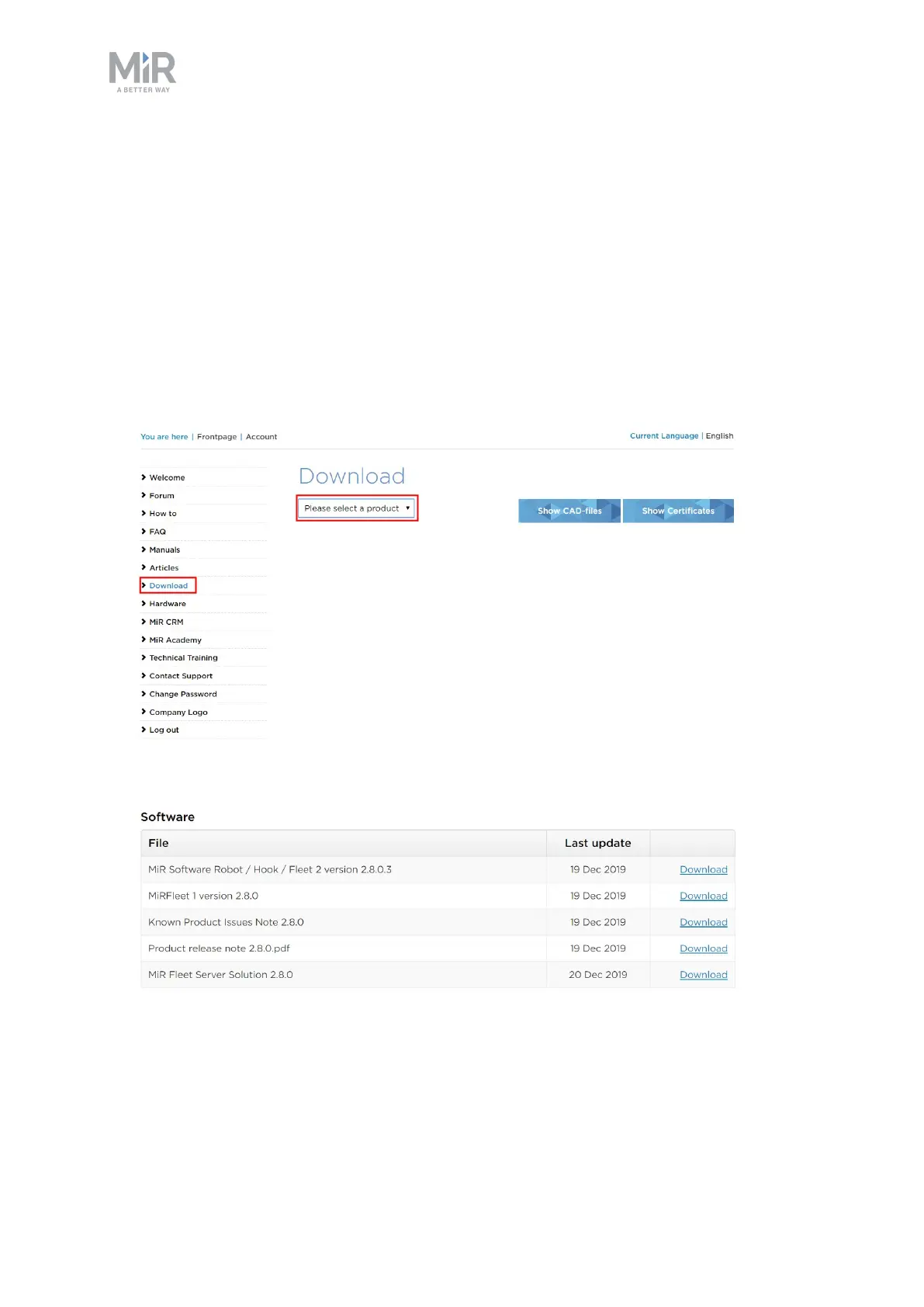
1. Go to the MiRDistributor site and sign in with your credentials.
2. Select Download and select MiR500 in the product drop down menu.
3. Download the desired version of MiR Software Robot /Hook /Fleet 2 version x.x.x.
4. Connect your computer to the WiFi of the robot you want to update, and sign in to the
robot interface.



 To Next Page