4. Getting started
MiR500 User guide (en) 09/2019 - v.1.3 ©Copyright 2018-2020: Mobile Industrial Robots A/S. 72
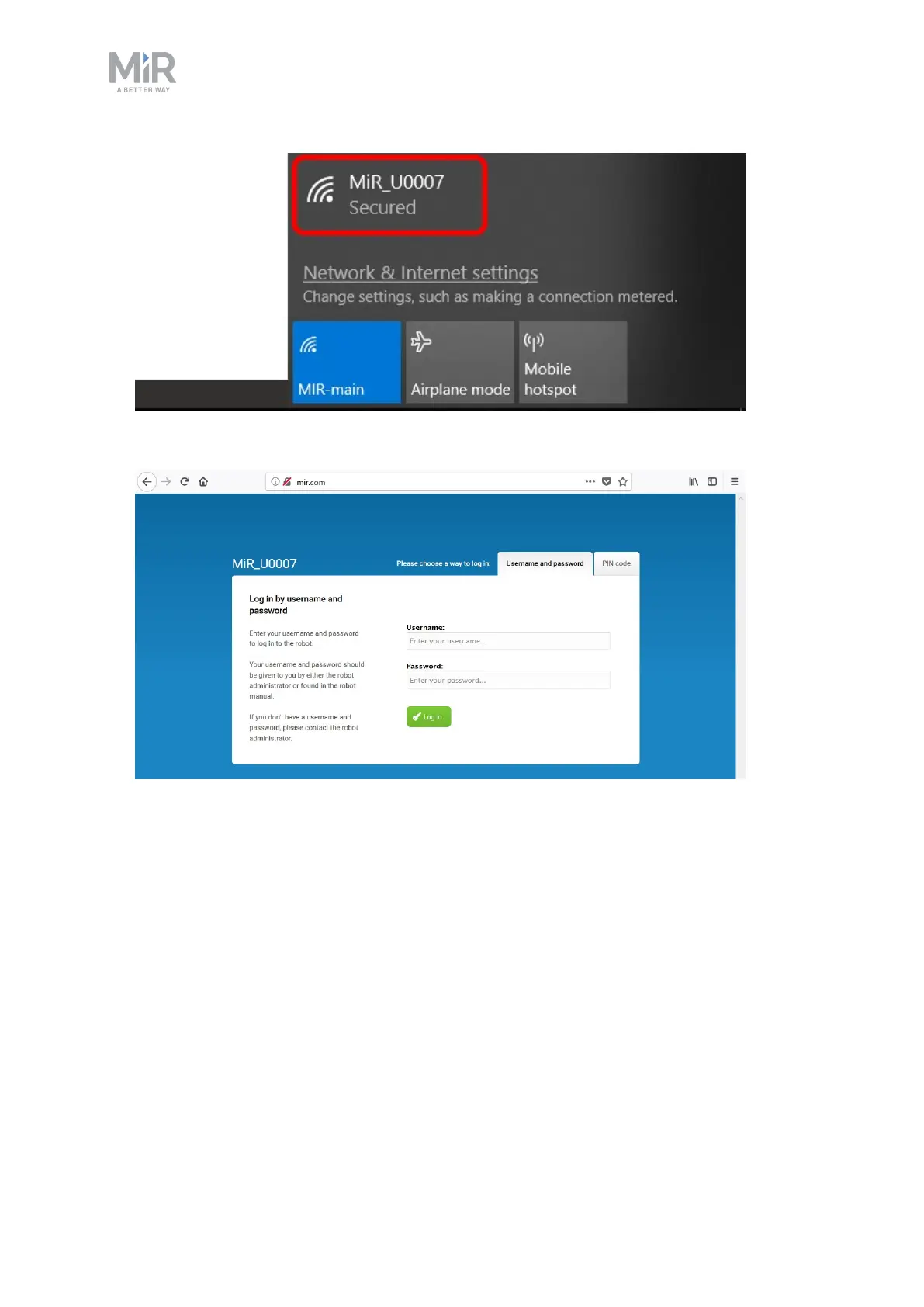
2. In a browser, go to the address mir.com and sign in.
3. Switch to manual mode, and drive the robot down the ramp, see section Driving the
robot in manual mode on page1.
4.5 Driving the robot in manual mode
To drive the robot in Manual mode:



 To Next Page