4. Getting started
MiR500 User guide (en) 09/2019 - v.1.3 ©Copyright 2018-2020: Mobile Industrial Robots A/S. 73
CAUTION
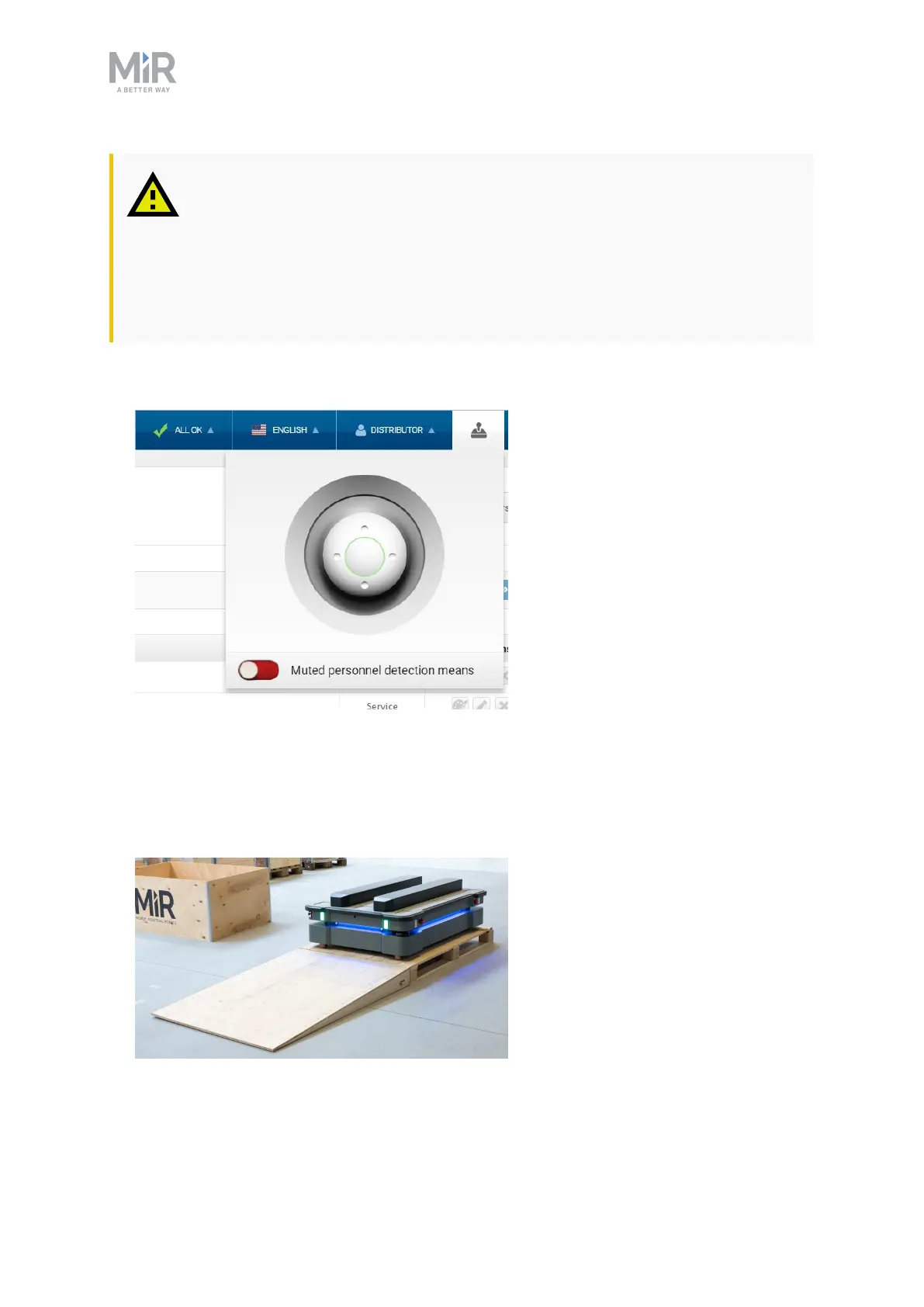
It is possible to mute the personnel detection means when driving the robot
manually. Risk of injury or damage.
• Be aware not to collide with any humans or objects when driving with
muted personnel detection means.
1. Put the Operating mode key into the Manual mode (turn to the right).
2. In the robot interface, select the joystick icon. The joystick control appears.
3. Select Manual control. The Restart button on the robot starts blinking.
4. Press the Restart button. The status lights turn blue indicating that the robot is in Manual
mode.
Note! The robot is shown with an EU pallet lift.



 To Next Page