5. Commissioning
MiR500 User guide (en) 09/2019 - v.1.3 ©Copyright 2018-2020: Mobile Industrial Robots A/S. 104
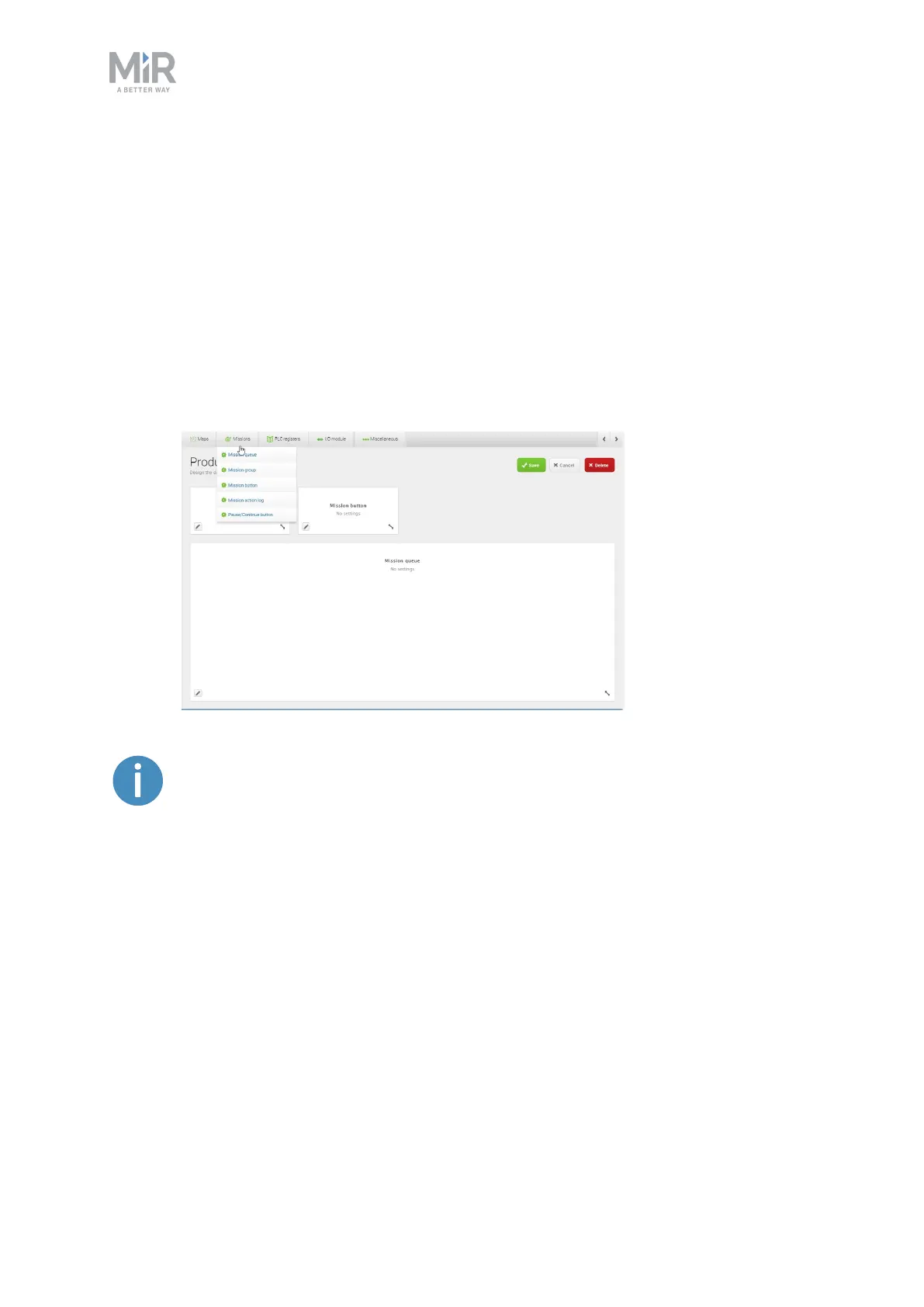
3. In the design section:
a. Design the dashboard by adding widgets from the menus in the top bar that
represent the features you want to assign to the dashboard.
b. Resize the widgets by pulling the arrow in the lower right-hand corner and
rearrange their order by click-dragging.
c. Some widgets require further settings. For example, you must select a particular
mission for mission buttons. To do this, click the pen icon in the lower left-hand
corner and select the wanted action.
d. Select Save to save the dashboard. The dashboard is now available under
Dashboards.
For details on the widgets and missions available in dashboards, see the
Reference Guide in the MiR Robot Interface.



 To Next Page