5. Commissioning
MiR500 User guide (en) 09/2019 - v.1.3 ©Copyright 2018-2020: Mobile Industrial Robots A/S. 103
• What rights should the different users have?
• What functions or widgets should be available for the different users?
For more details on interface and dashboards, see the Reference Guide in the
MiR Robot Interface.
A dashboard is made up of a number of widgets, each representing a feature in the system,
for example a particular mission, the map the robot is operating in, or the current mission
queue.
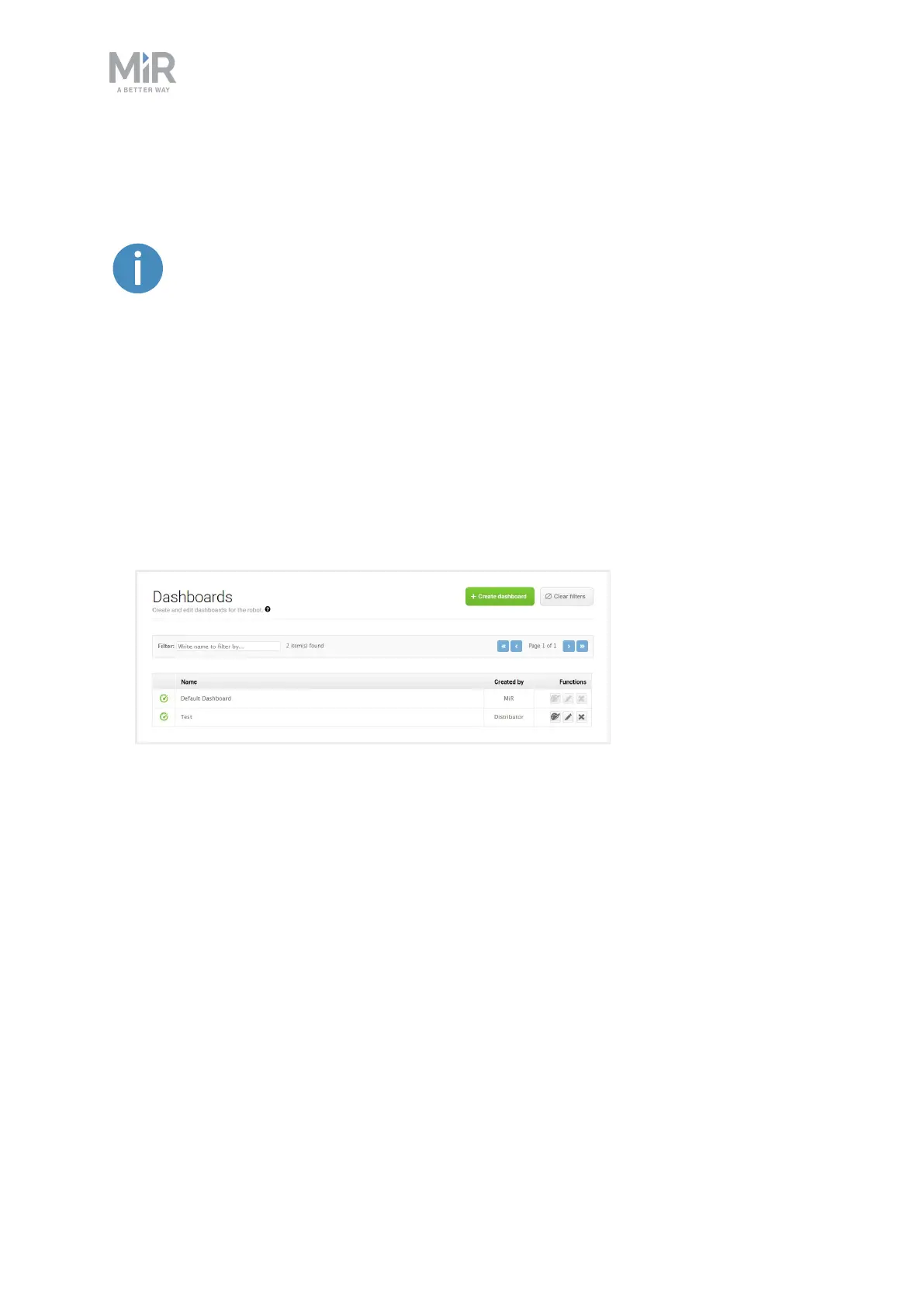
The system comes with a default dashboard, and users can create an unlimited number of
additional customized dashboards.
To create a custom dashboard:
1. Go to Dashboards > Dashboards and select Create dashboard.
2. Name the dashboard and select Create dashboard.



 To Next Page