6. Usage
MiR500 User guide (en) 09/2019 - v.1.3 ©Copyright 2018-2020: Mobile Industrial Robots A/S. 111
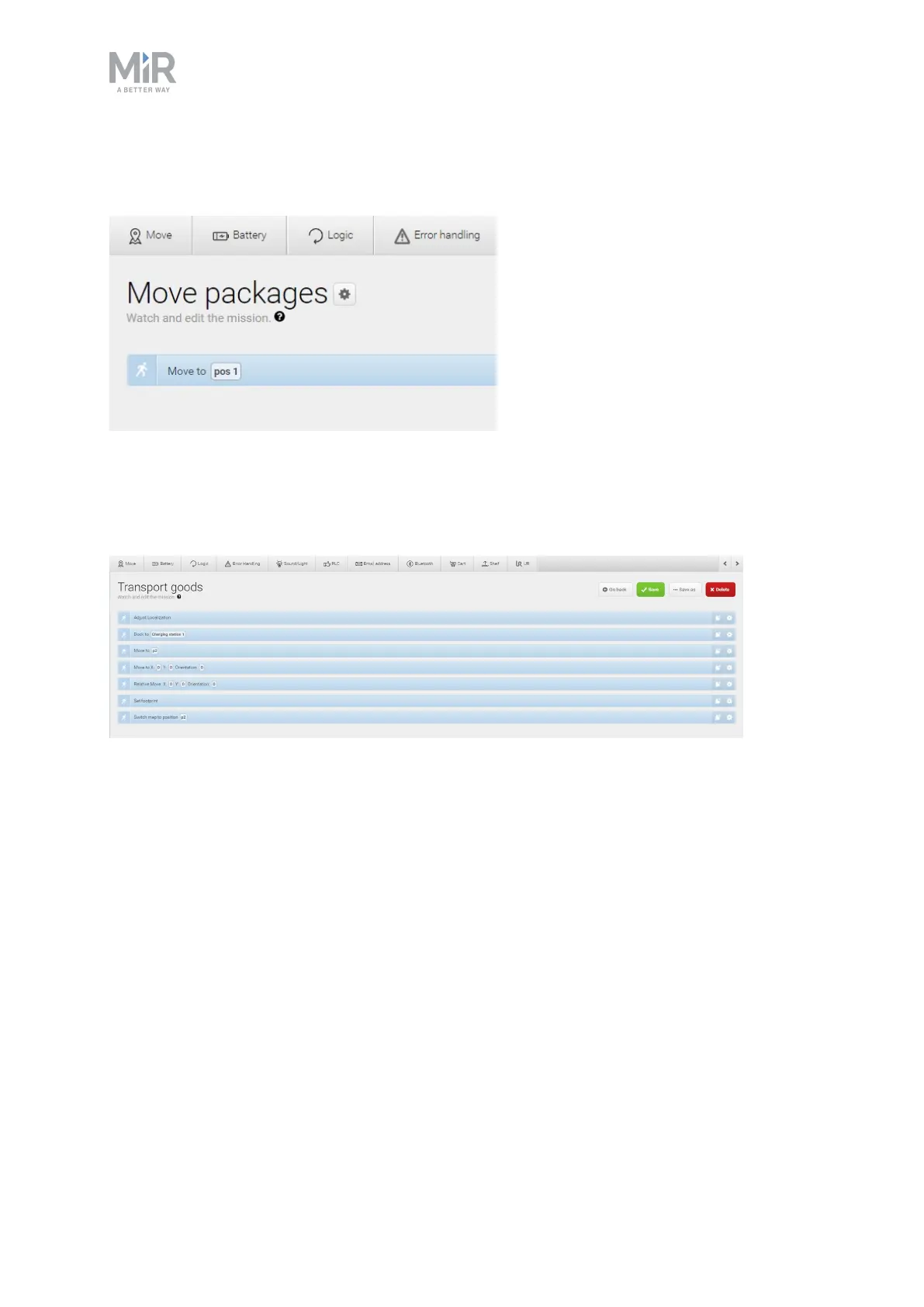
In the Mission editor window, move the mouse over the name of the mission, and select the
gearwheel.
Save mission
When you have completed the missions by adding all actions and sorted them in the desired
order, click Save to save the mission.
Save mission as
You can save a copy of a mission and give it a new name. That way it is easy to create a new
mission based on the settings of an existing one.



 To Next Page