3. Product presentation
MiR500 User guide (en) 09/2019 - v.1.3 ©Copyright 2018-2020: Mobile Industrial Robots A/S. 37
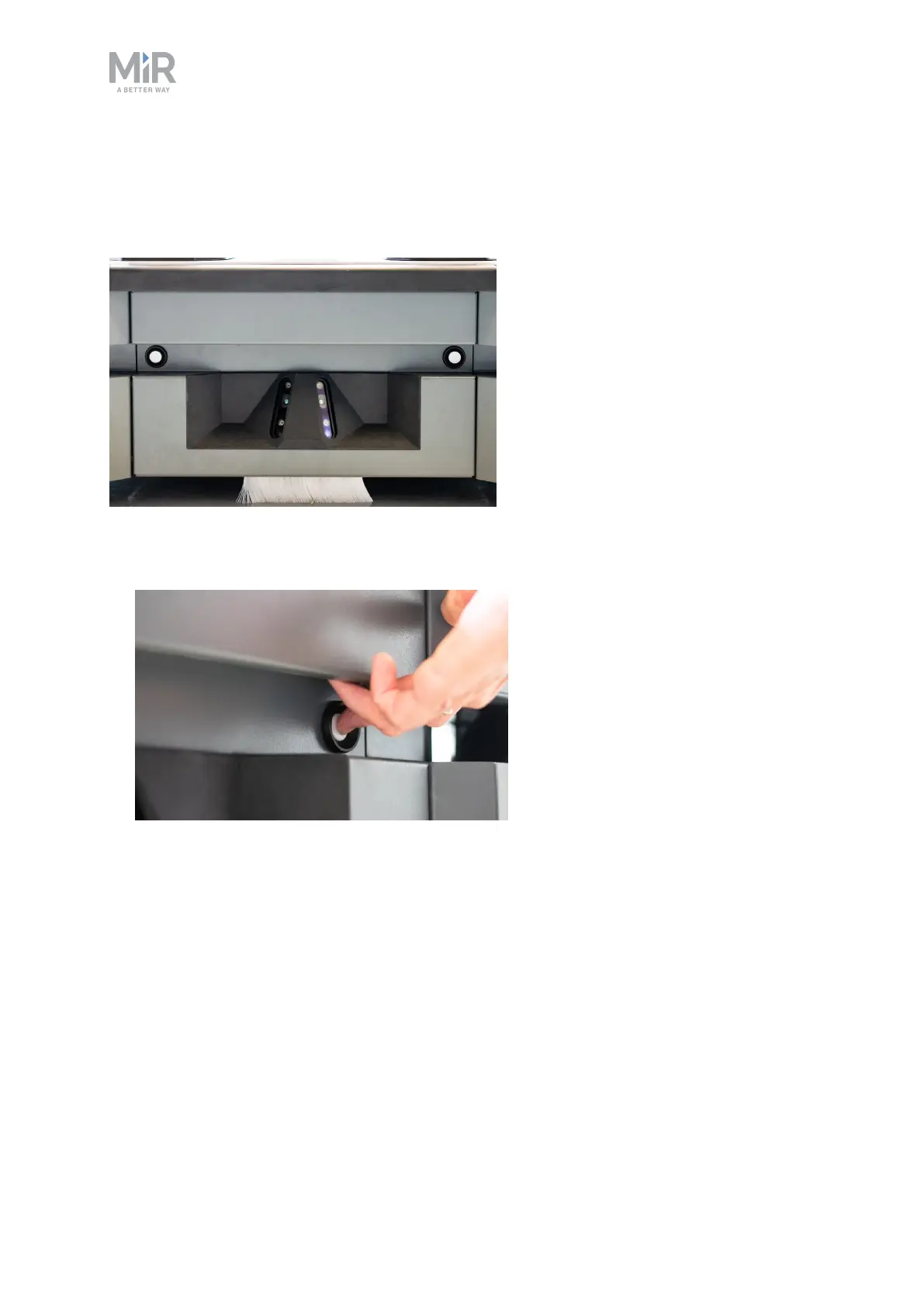
Front compartment
The front compartment holds the electronic components that may need regular service or
replacement, such as PC, main control board and safety PLC.
To open the front compartment:
1. Push the two white buttons and pull the hatch.



 To Next Page