3. Product presentation
MiR500 User guide (en) 09/2019 - v.1.3 ©Copyright 2018-2020: Mobile Industrial Robots A/S. 46
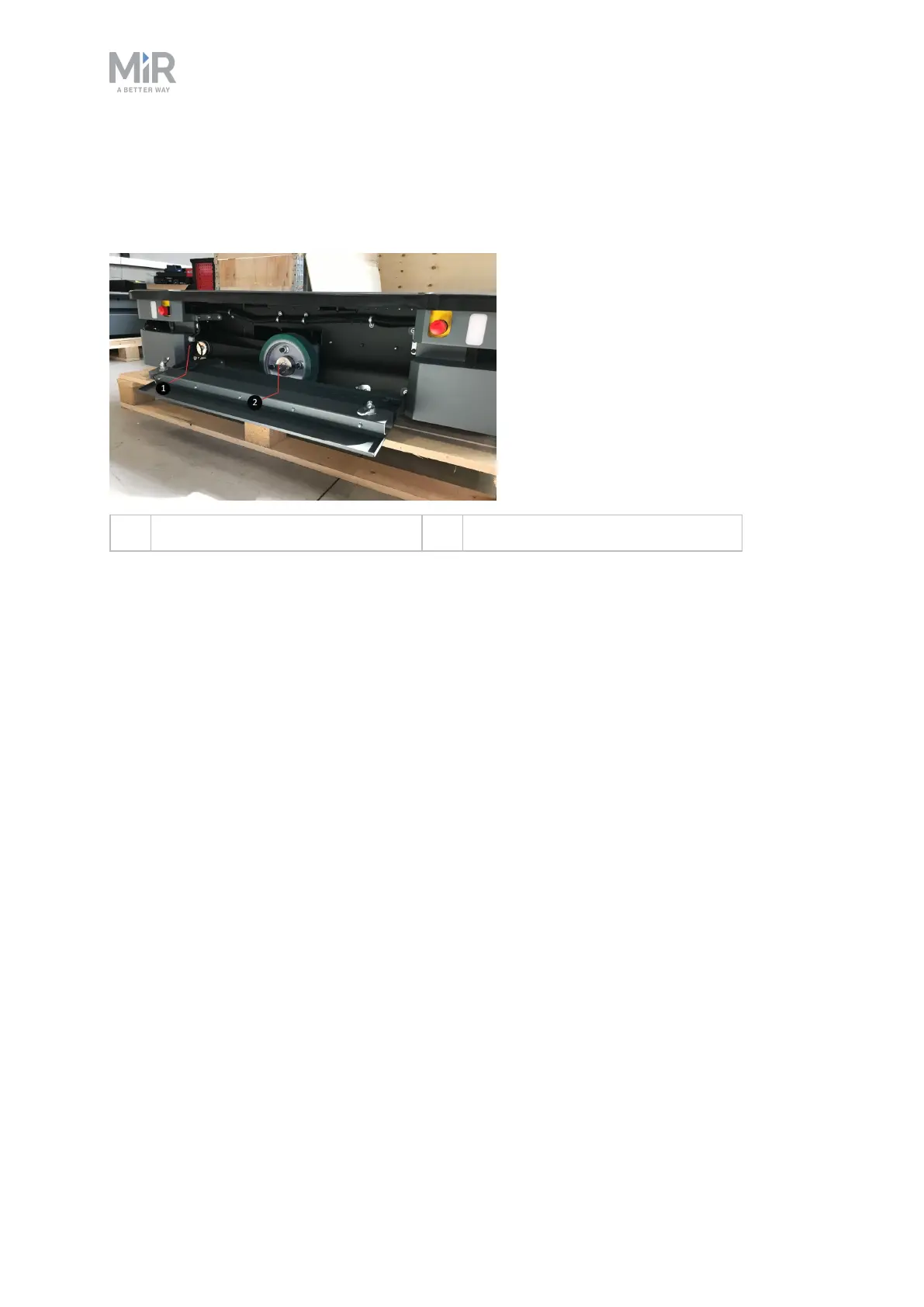
Side compartment components
The left- and right-hand side compartments contain the following components (the same on
both sides):
1. Connector for status light band 2. Drive wheel
Top compartments
The two top compartments hold interfaces to external units, for example
MiR500EUPalletLiftor MiR500Pallet Lift.
To open a top compartment, remove the four screws and lift off the top cover.



 To Next Page