4. Getting started
MiR500 User guide (en) 09/2019 - v.1.3 ©Copyright 2018-2020: Mobile Industrial Robots A/S. 70
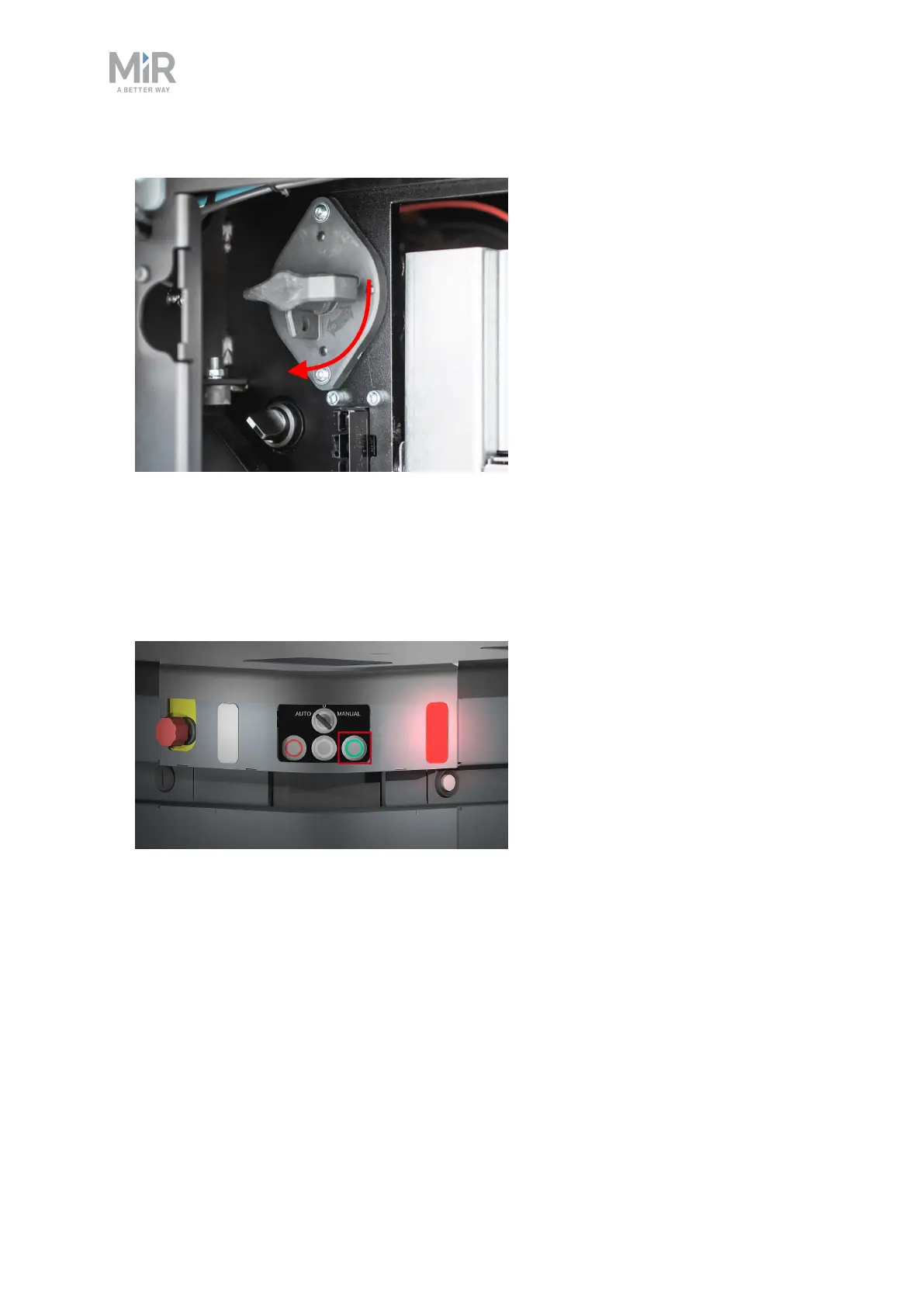
2. Turn the battery disconnect switch to position ON.
3. The On/Off button turns blue.
See MiR500 control panel on page25.
4. Close the maintenance hatch.
5. Ensure that all four emergency stop buttons are in the released state. Turn an emergency
stop button clockwise to release it.
6. Press the On/Off button for five seconds.



 To Next Page