5-14 Mx100/200 Series Operation Manual
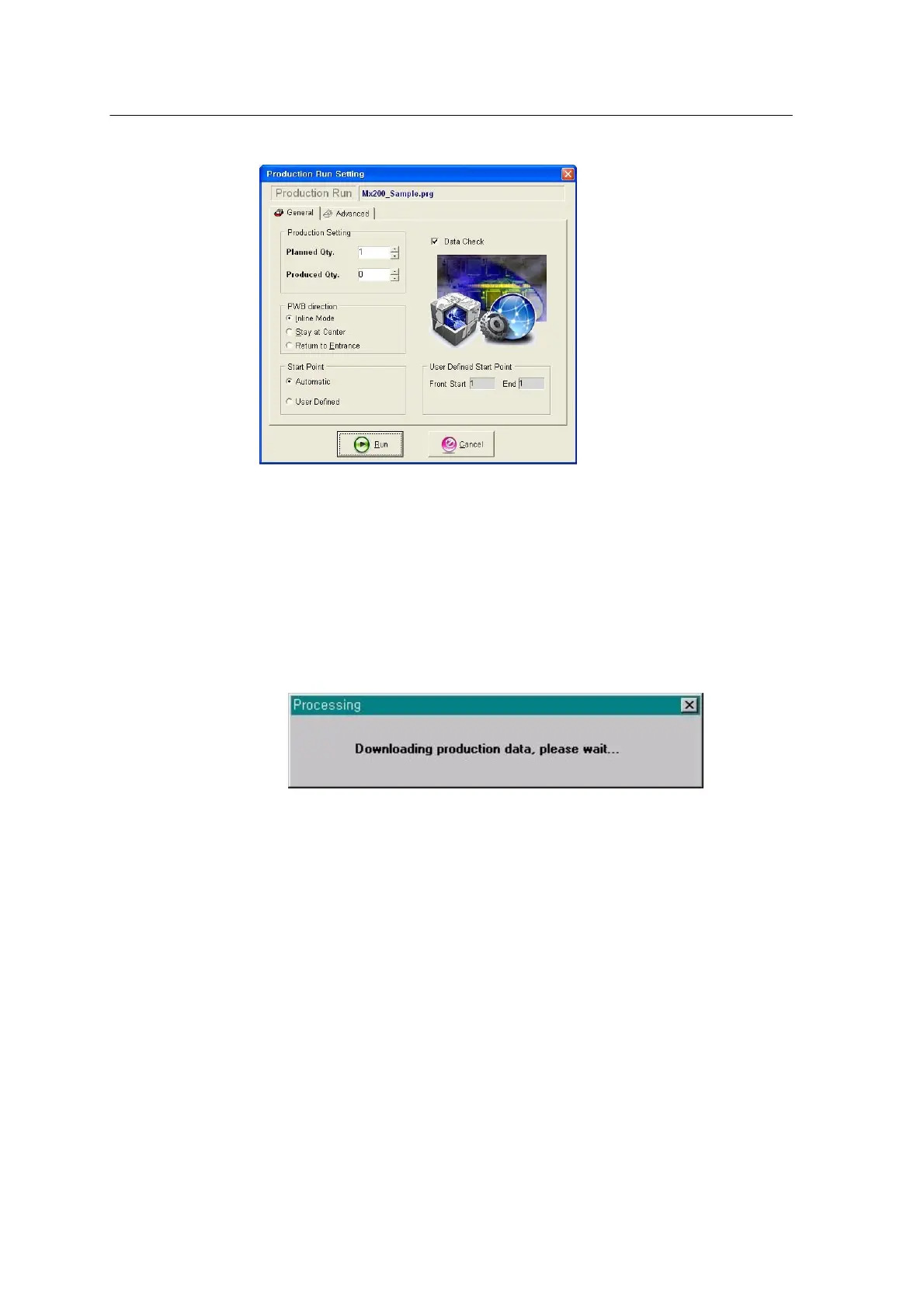
<Figure 3-7 가 Production run setting >
6) Click Run.
The Processing dialog box appears as shown below and the job program
is downloaded.
<Figure 3-8 가 Job program downloading >
7) Production starts and the following window appears on the screen.
See Chapter 6 Starting Programming for further information on
configuration of the window.



 To Next Page