6-76 Mx100/200 Series Operation Manual
Dry Run 모드를
사용하기 위 해서는
MrTerminal 창에서
ClsDryLock 명령어를
입력합 니다.
Production &
Dry Run &
Bypass Run
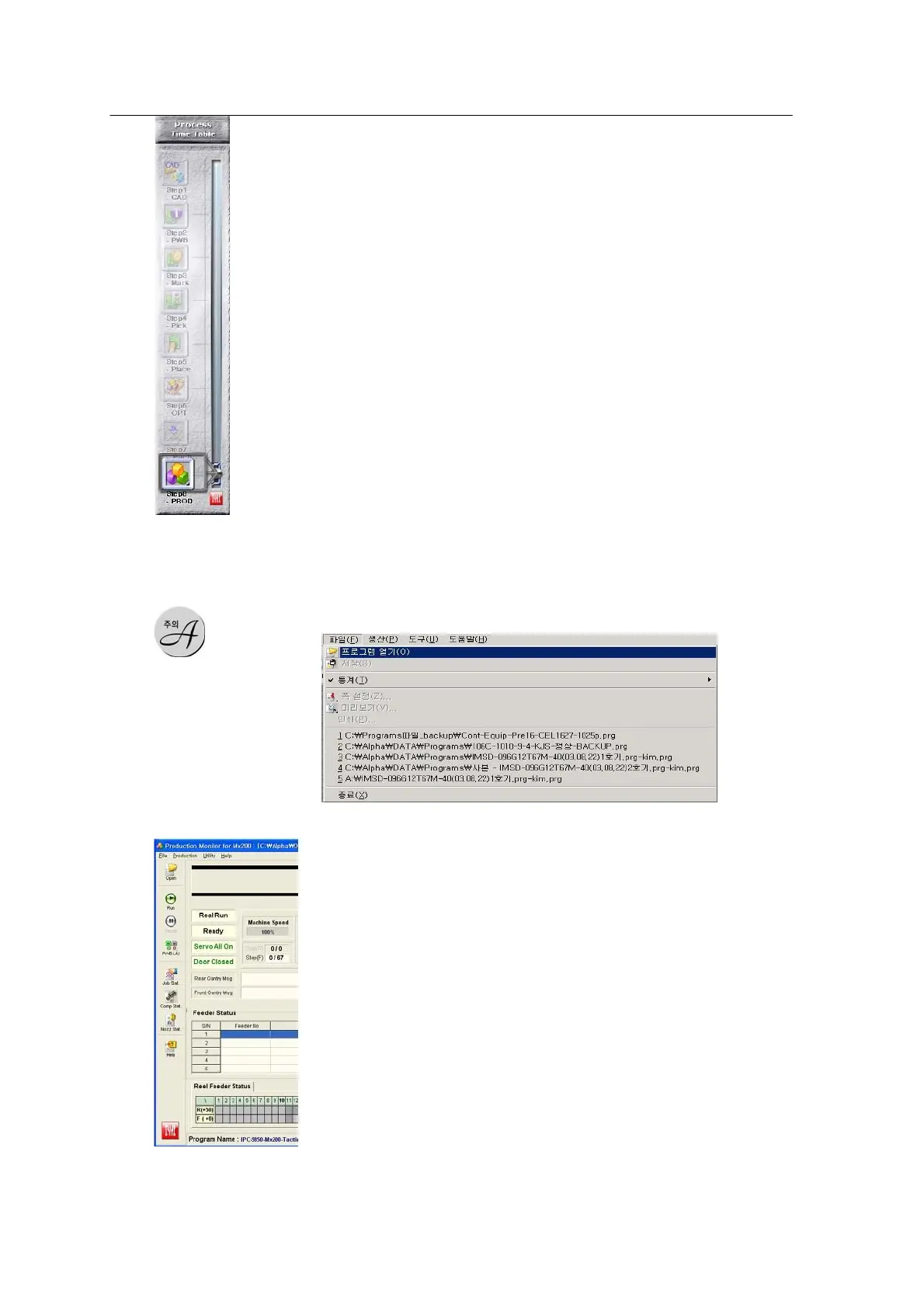
<Figure 6-73 가 Production
main window >
The Production program supports the three modes described
below.
1. Production RUN Mode
The machine runs for actual production.
2. Dry Run Mode
The machine runs by simulating actions without production. For dry
run, enter the command “ ClsDryLock” in the MrTerminal and load
PCBs on the conveyor (To reset the operation, extract the PCB and
reload on the conveyor.)
3. Bypass Mode
The machine does not produce but passes PWBs.
※ This function is used to transfer board to the
succeeding machine. For production, open a job file
(*.prg) using the program open menu.
<Figure 6-74 가 Open a
job file >
[Production Run]



 To Next Page