Chapter 4 How To Use Program 4-7
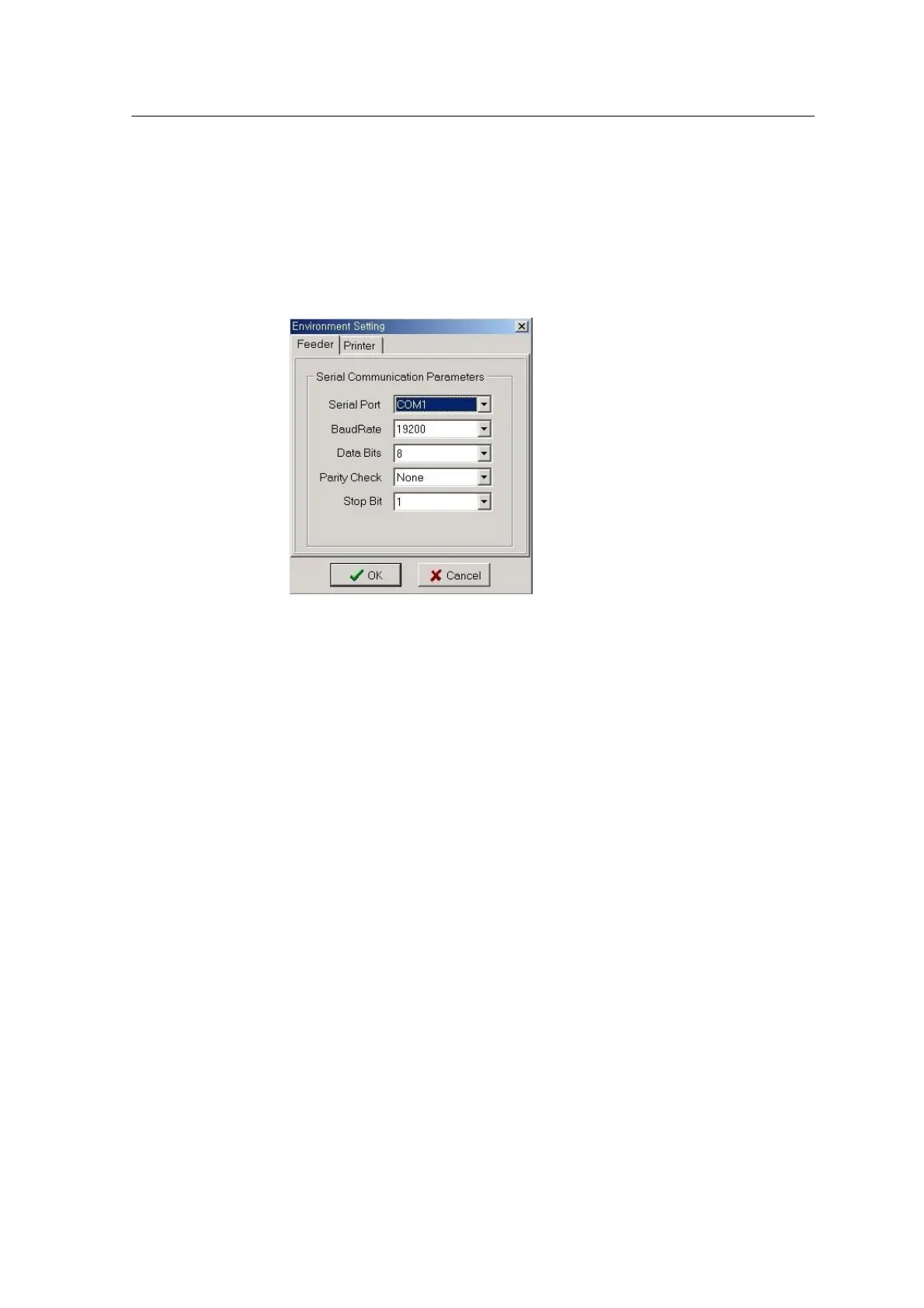
Environment Setting window
Environment Setting window consists of Feeder Communication Setup
page and Barcode Printer Setup page as shown in the following figure.
The meaning of each parameter is given below.
Feeder Communication Setup Page
<Fig. 4-3ᆞ Feeder Communication Parameter and Printer Setup Window>
Serial Port
Sets up a port to communicate with the feeder, among COM1, COM2,
COM3 and COM4.
(Default: COM1).
Baud Rate
Sets the communication speed as 110, 300, 600, 1200, 2400, 4800,
9600, 14400, 19200, 38400, 56000, 57600, 115200, 128000, or
256000 bps (Default: 19200).
Data Bits
Sets the data bits as 4, 5, 6, 7, or 8 (Default: 8).
Parity Check
Sets the parity as None, Odd, Even, Mark, or Space (Default: None).
Stop Bit
Sets the stop bit as 1, 1.5, or 2 (Default: 1).
Printer Setup Page



 To Next Page