6-62 Mx100/200 Series Operation Manual
When Feeder Preset setting is completed, press to start
optimization as shown in the figure below. When optimization is completed, the
Offline Program Editor is restored so as to check feeder balancing and job flow.
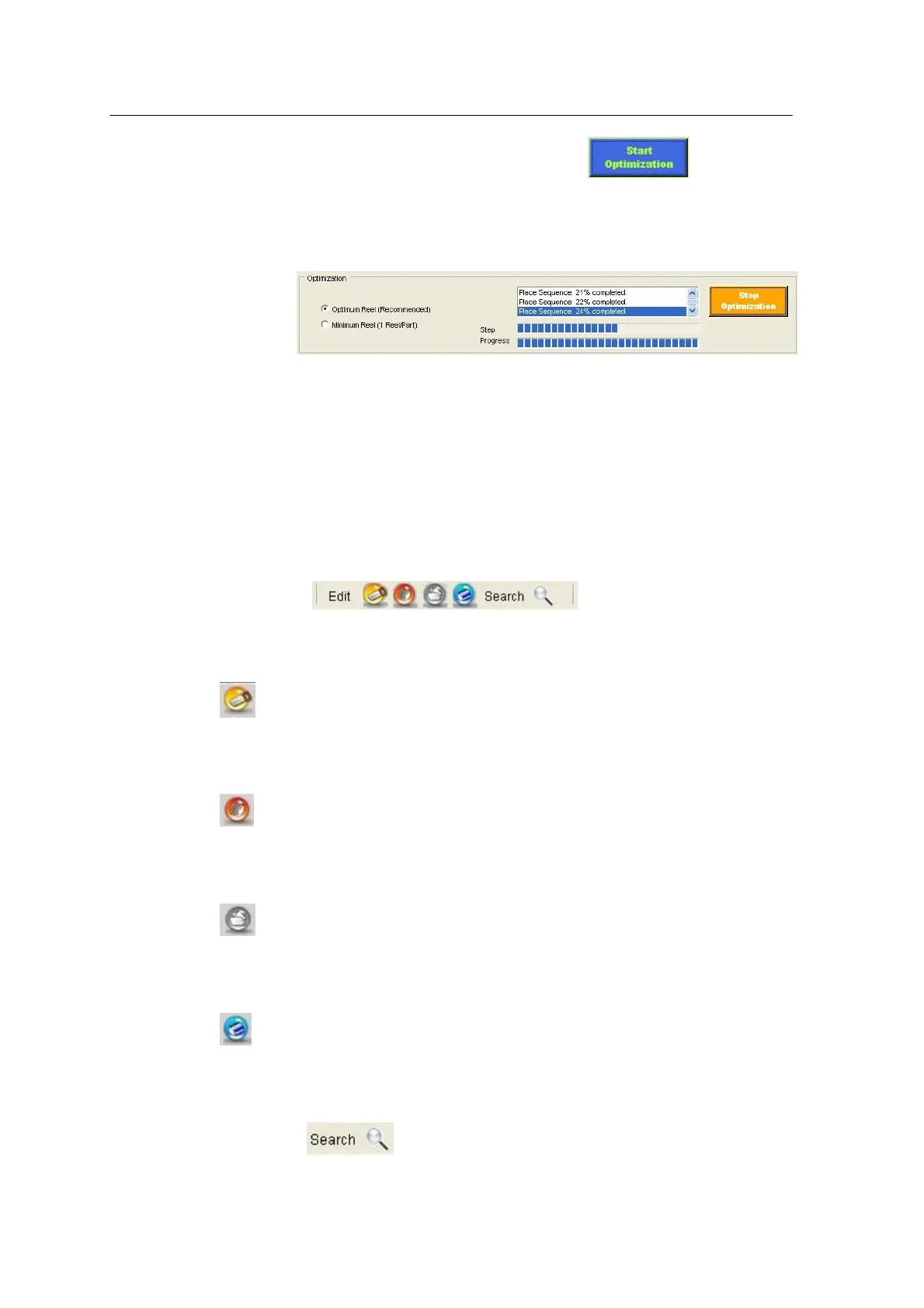
<Figure 6-56 가 Optimization progress window >
ProgramEditor after optimization
After optimization, the main window is reconfigured as described below.
[Edit]
Cut
Cut is always used along with Paste to move an index to other position.
Copy
Copies an index selected by user. Copy is used along with Paste.
Paste
Pastes data cut or copied by the Cut or Copy function.
Delete
Deletes an index selected by user.
Find
Automatically searches a text entered by user.



 To Next Page