Chapter 6 Programming 6-63
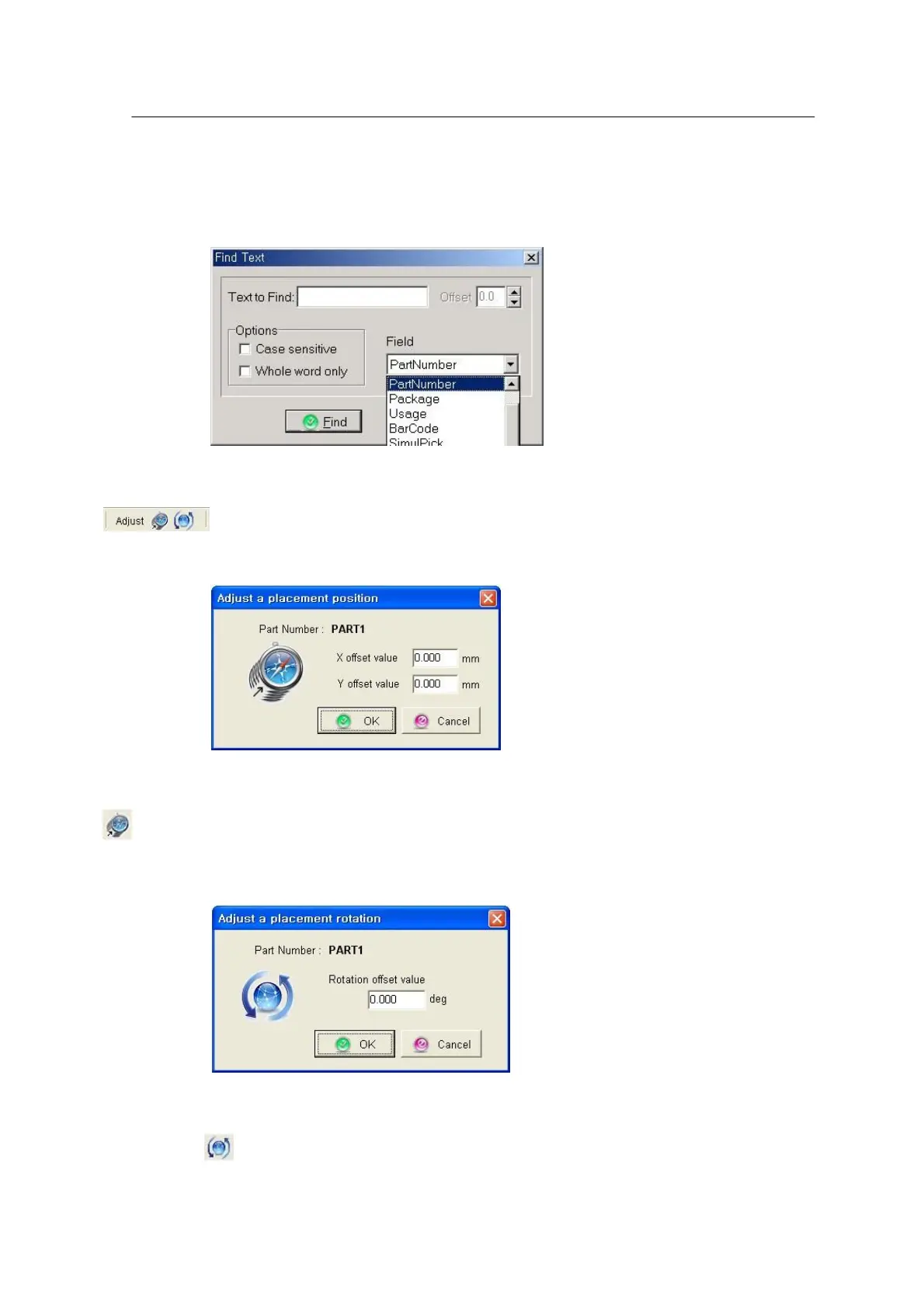
<Figure 6-57 가 Find >
The Adjust menu is described below.
<Figure 6-58 가 Adjust Position >
: ‘Adjust position’ is used to modify one or several X, Y positions at a time with the same offset.
This function is primarily used where placement positions are shifted with the same offset.
<Figure 6-59 가 Adjust rotation >
: ‘Adjust rotation’ is used to modify one or several R values at a time with the same
offset.



 To Next Page