4- 14 Mx-Series Manual
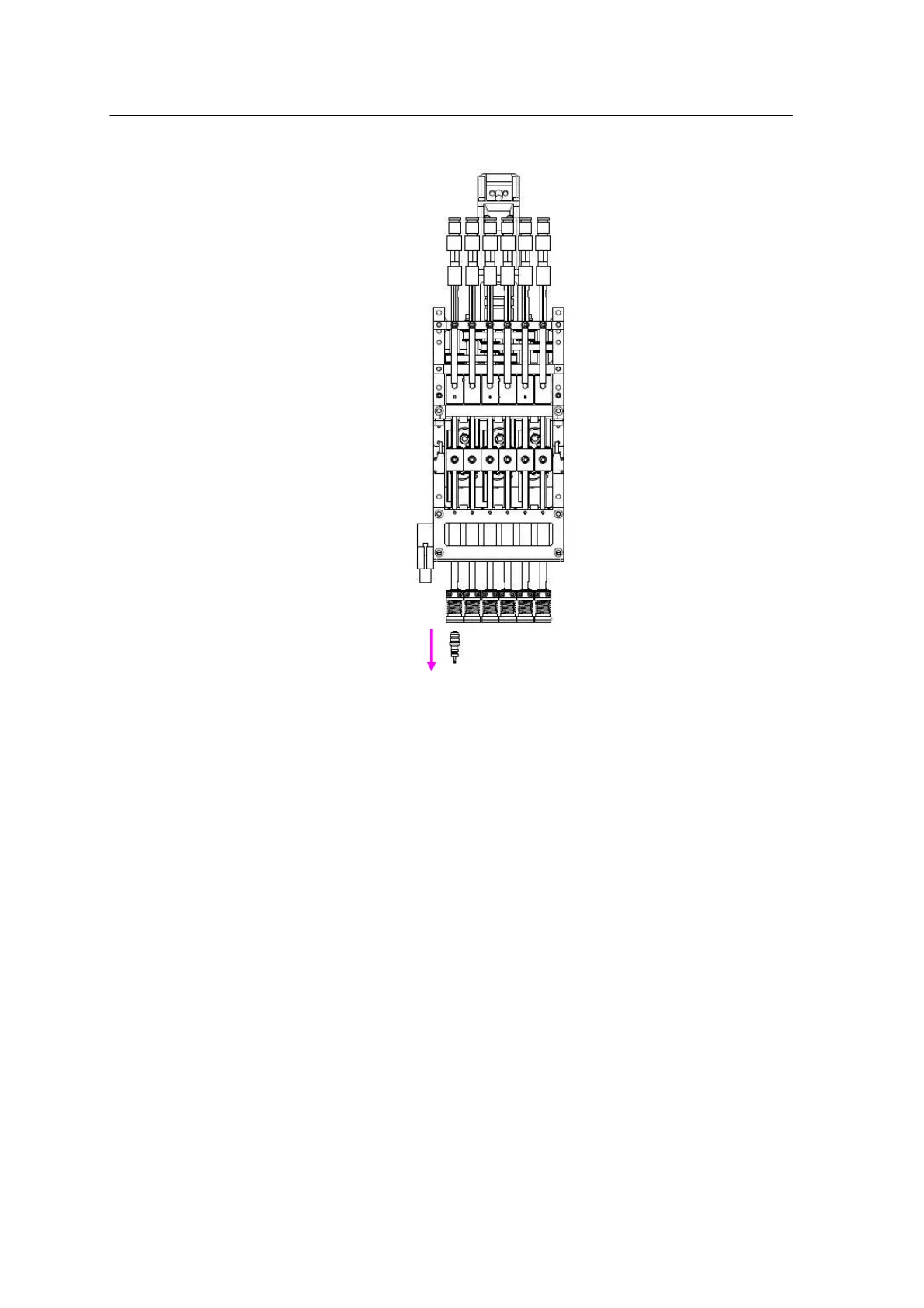
Checking the suction level of the head
1.Press the ‘Servo Off” button to turn off the XY-Gantry.
2.Open the door and move the X-Gantry forward.
3.Check the suction level at "M-setup" -> "I/O" -> "HEAD".
4.Remove the nozzle of Head 1.
5.Press the “Suction” button at "M-setup" -> "I/O" -> "HEAD" to create
a vacuum for Head 1 and block the nozzle socket of Head 1 with
your hand.
6.Check the suction level on the screen.
* Default Setting: 205 or higher (Nozzle unequipped)
7. If the suction level deviates from the default setting, call the
Mirae Customer Support Team.
Nozzles applicable by chip



 To Next Page