6-52 Mx100/200 Series Operation Manual
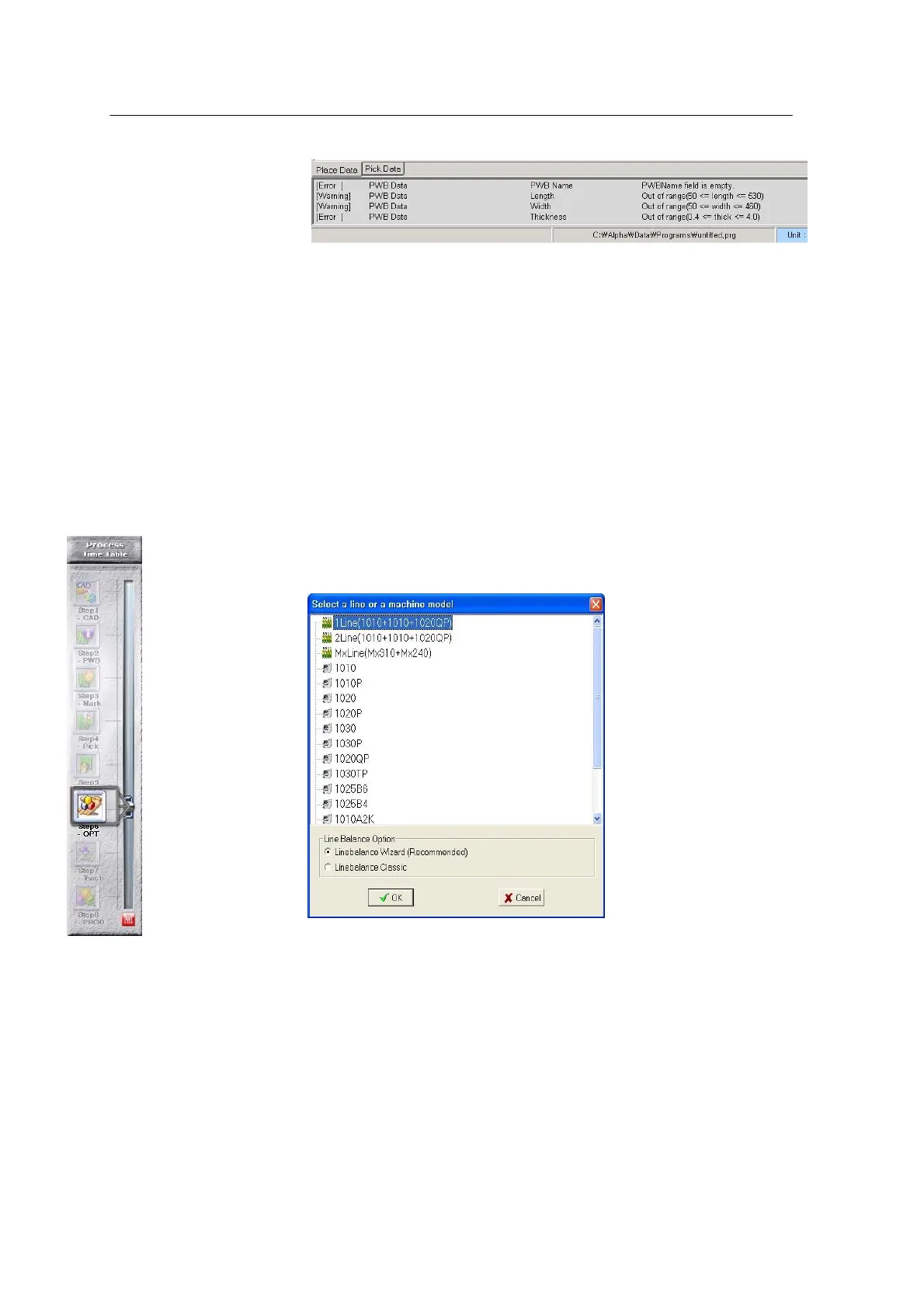
<Figure 6-45 가 Data check result window >
If Error indicates a number other than “ 0 ”, press Cancel to reset. Then, double-click the Error tab
in the Error window to move to the error position and clear the problems.
If no errors are found in data check, select “Optimize” in the main window to perform the
optimization process.
Line Optimizer carries out line optimization or mounter optimization for an individual line
or mounter selected from the Optimizer menu of OfflineEditor.
<Figure 6-46 가 Line selection >
Line Optimizer presented in a wizard form performs line optimization
according to user’s selection at each step.
- Step 1: Sets Supply Type for an individual machine. - Step 2: Sets Nozzle
Type for an individual machine.
- Step 3: Sets Feeder Type for an individual machine.
- Step 4: Sets Package Type for an individual machine.
- Step 5: Sets Package Size for an individual machine.
- Step 6: Sets a place point in a percentage for an individual machine.



 To Next Page