Chapter 6 Programming 6-81
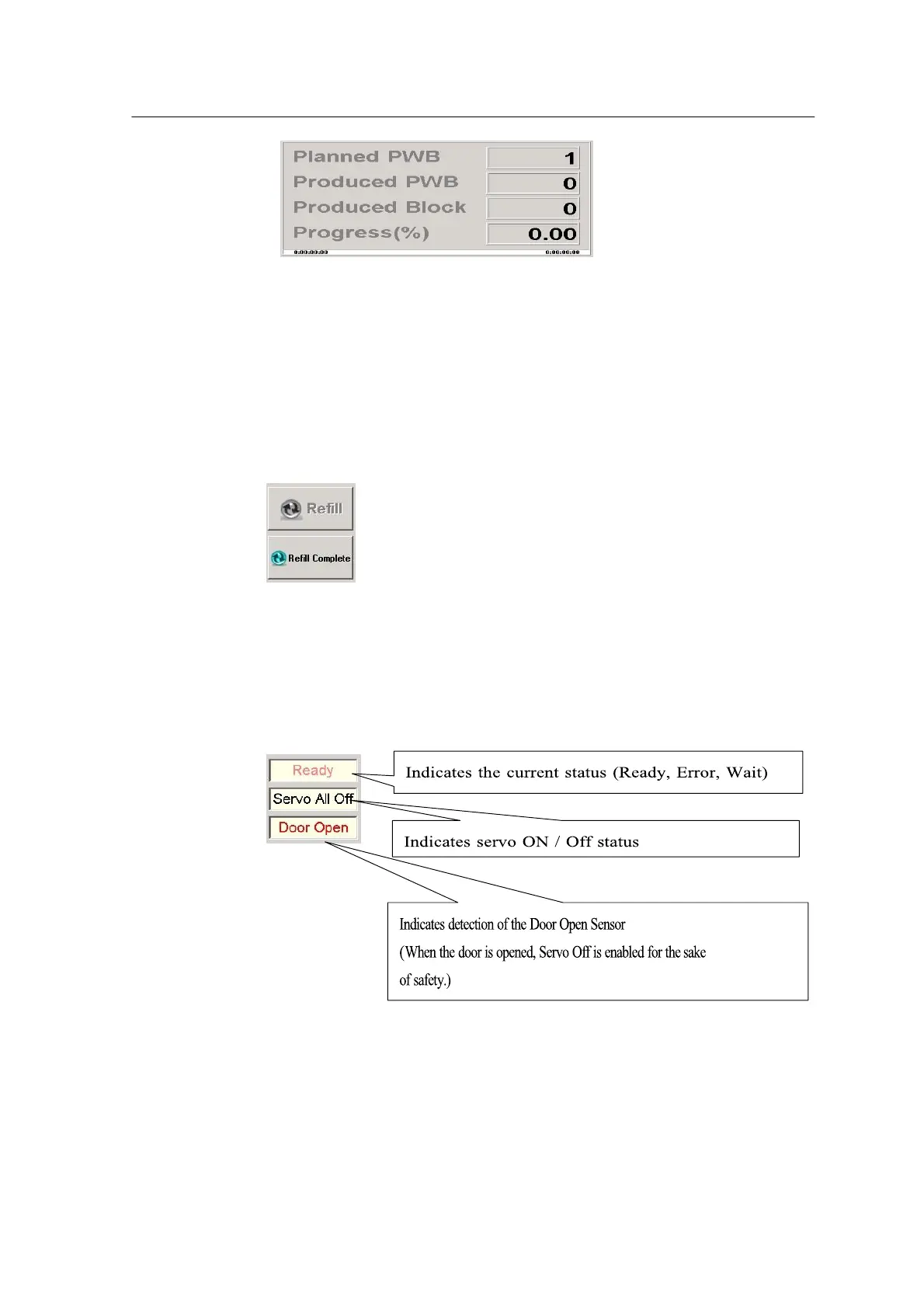
• Planned Board: Indicates the planned quantity of production
• Produced Board: Indicates the produced number of boards
• Block / Board: Indicates the current block of a board in progress
• Progress: The ratio of produced boards to the planned boards
4. Feeder Refill Information
• Refill: In case of end of parts or feeder error, clear the error and press
refill to get ready to restart.
• Refill Complete: Restart work after error is cleared.
5. Machine Status
Utility Menu



 To Next Page