6-82 Mx100/200 Series Operation Manual
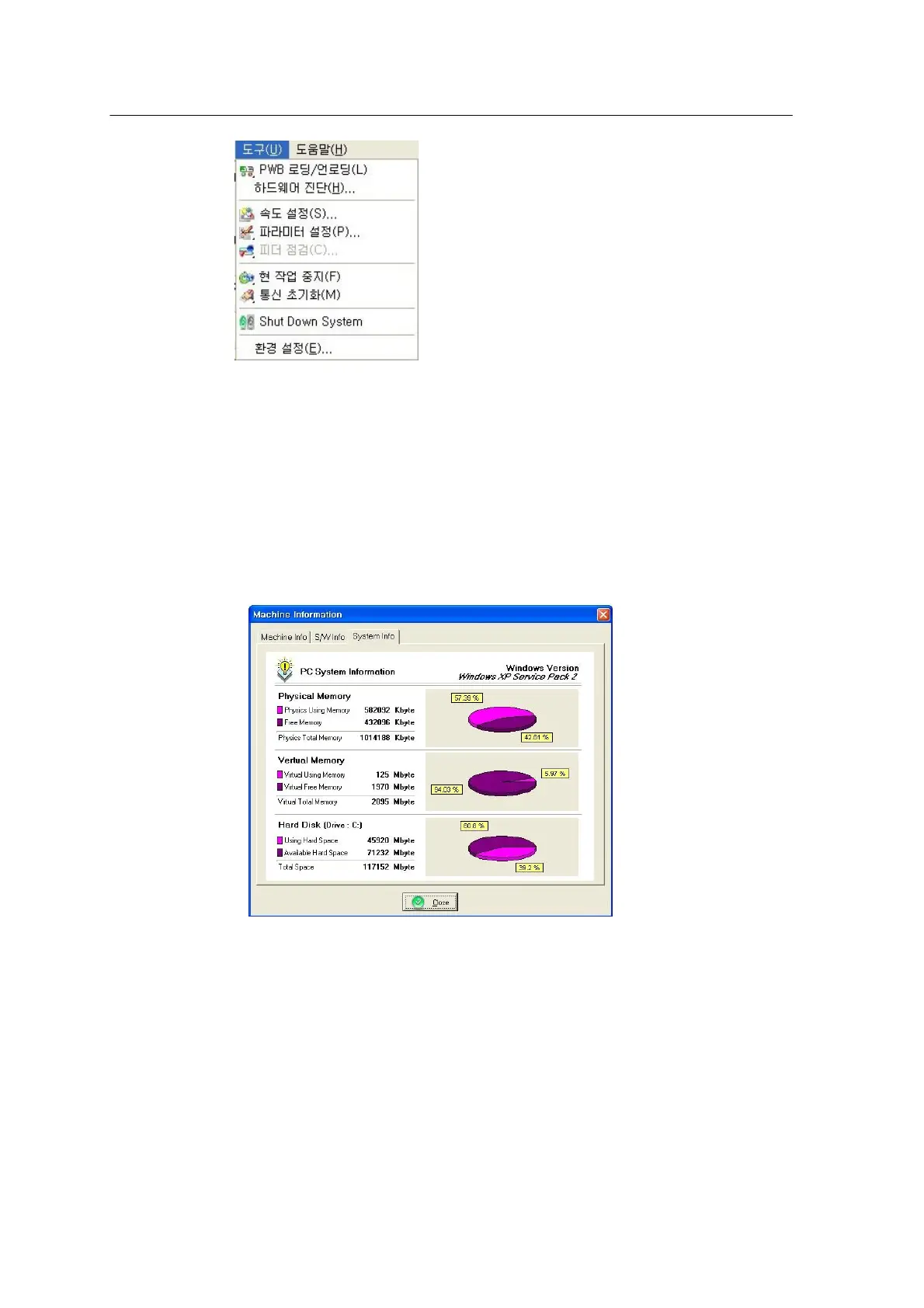
<Figure 6-82 가 Utility menu >
1. PWB Loading/ Unloading
- Loads/unloads PCB on/from the conveyor.
2. Hardware Diagnosis (H)
- Machine Info, S/W Info and System Info are used to view the current
status of the system.
<Figure 6-83 가 Machine information window >
3. Nozzle check (N)
- Checks the status of nozzle installed at the head of the machine.
4. Speed setting (S)
- Controls the speeds for XYRZ, TFU and TSU of the machine. Primarily used to control the TFU
Y axis. These settings apply to all axes apart from the speed for individual part defined by the
program editor.



 To Next Page