6-64 Mx100/200 Series Operation Manual
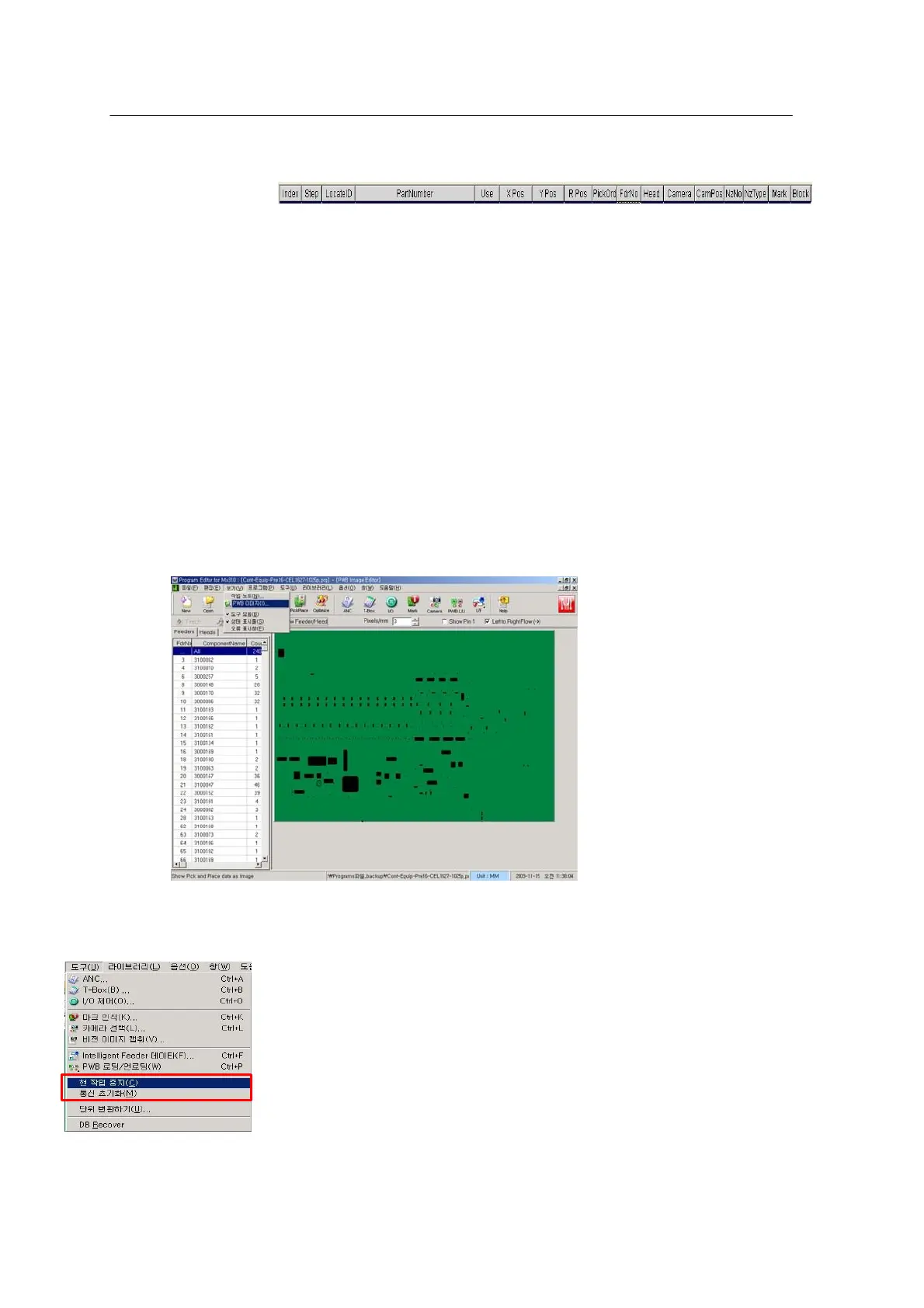
[Place Data Tab]
• Index: Indicates a job point count of Place data tab. Index 1 ~ 300 are recorded for 300 job points.
• Step: Indicates a step count for the Front & Rear Gentry to pick and place a part
• Use: Sets placement of part on a specific point. Yes: Placement, No: No placement.
• PickOrd: Indicates the sequence of heads to pick up parts from feeder
• Camera: Sets the camera used for part recognition.
• CamPos: Sets a camera position for vision inspection on parts. Side indicates two nozzles are
inspected by one module and Center indicates that one nozzle is inspected by one camera
(option for chip type parts and odd shaped parts)
• NzNo: Hole number of nozzle in case ANC is defined in system setup
• NzType: Nozzle type of NzzNo defined for ANC
• Mark: Component Fiducial mark. Used to increase precision of parts placement by recognizing
the mark placed at a given position of part.
(e.g. Parts requiring high placement precision such as QFP 208 pin, BGA, etc.)
<Figure 6-60 가 PWB image window >
* PWB image: Shown at the bottom of the View menu. Used to view missing parts in production.
The program created by user is visually displayed with image.
<Figure 6-61 가 Utility Menu >



 To Next Page