5-20 Mx100/200 Series Operation Manual
2. Double click in the tray at the bottom of the Windows screen.
If HWIF fails to start, click start on the background screen and choose
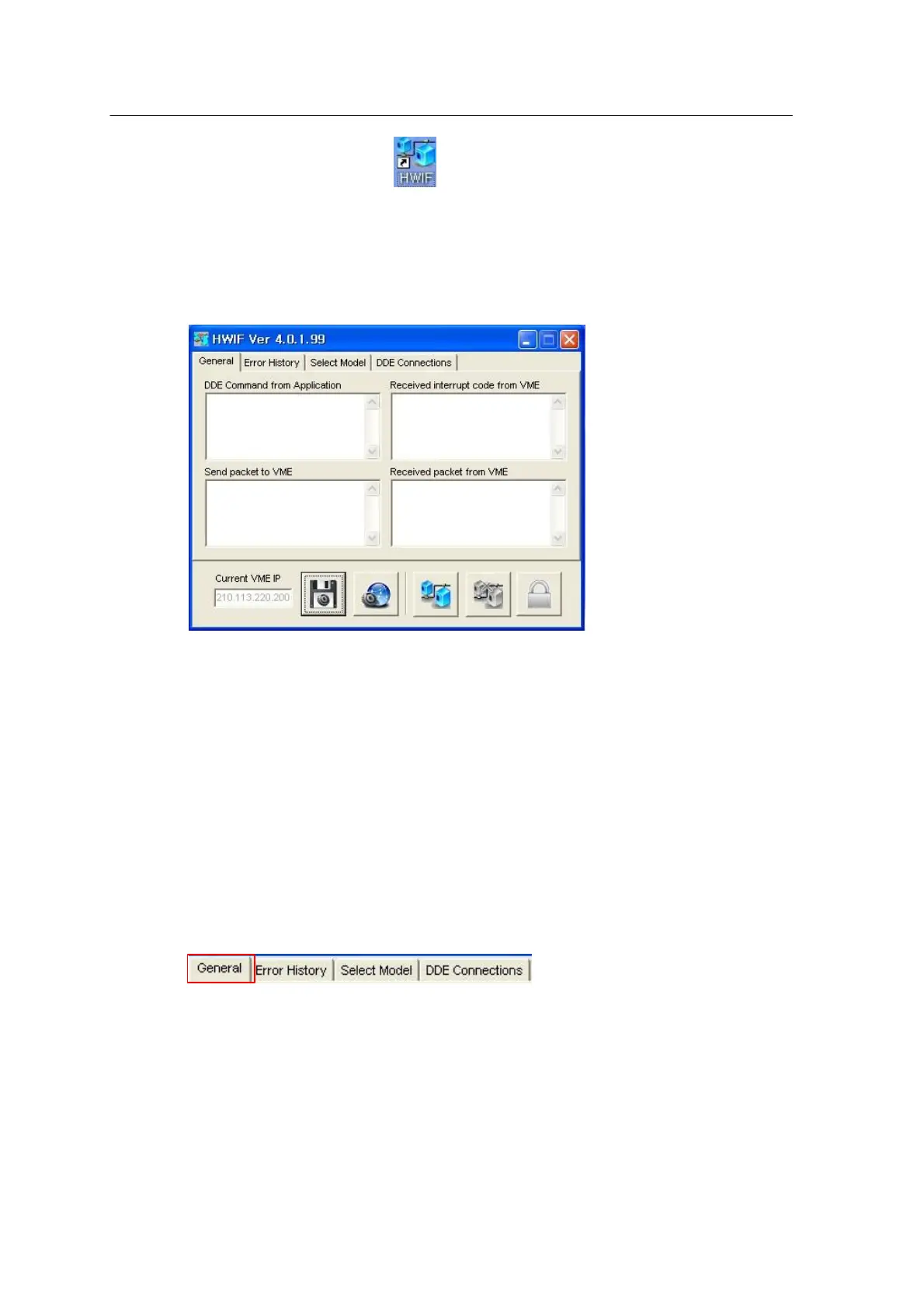
Program \Mirae SMT\HWIF.
3. The HWIF main window appears as shown below.
<Figure 3-14 가 HWIF main window >
4. Now, new setting or other work can be done using HWIF.
HWIF provides General, Error History, Select Model and DDE Connections tabs. The General tab
is used to set general information associated with communication or to view communication status.
The Error History tab shows error information or error count. The Connect and Disconnect buttons
at the bottom are used to connect or disconnect the MCS (Main Control System).
[General Tab]
The General tab consists of the following items.
• DDE (Dynamic Data Exchange) Command from Application
Shows the commands received from SMT programs such as program editor, production monitor
and system setup program. Those commands sent from the SMT programs begin with an even
number like V4080, P2020 and M1050.



 To Next Page