Chapter 5 Preparation for Programming 5-29
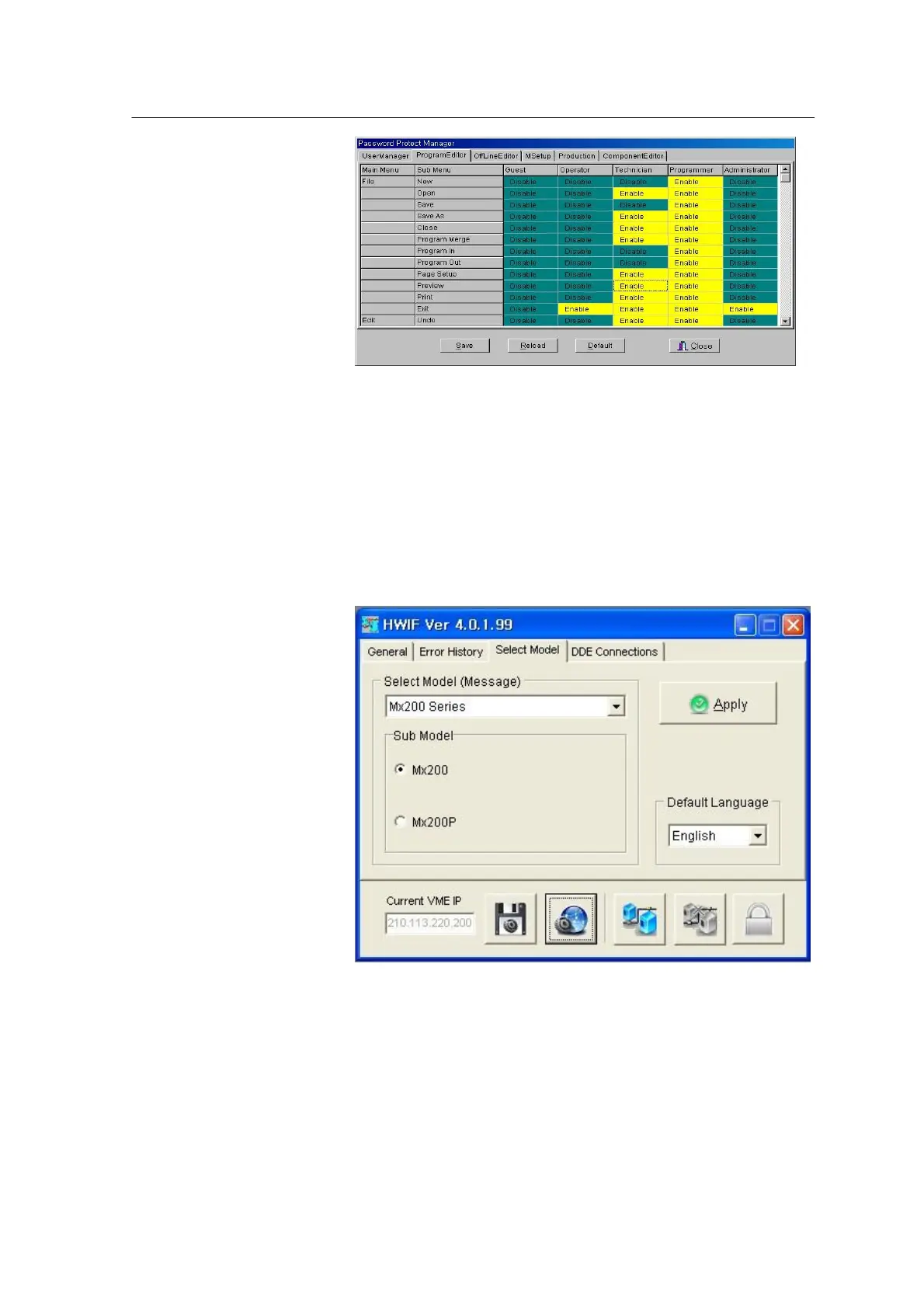
<Figure 3-23 가 Protect Manager-Menu setting >
Enable/Disable toggles whenever each item is double clicked.
• Save: Saves the modification.
• Reload: Restores the previous settings
• Default: Resets to the default settings according to the user authority defined by the supplier.
• Close: Closes the Password Protect Manager window.
[Select Model Tab]
<Figure 3-24 가 Select Model>
• Select Model
Set the system model. Choose an exact model of Mx100/200 series
and click Apply.



 To Next Page