6-16 Mx100/200 Series Operation Manual
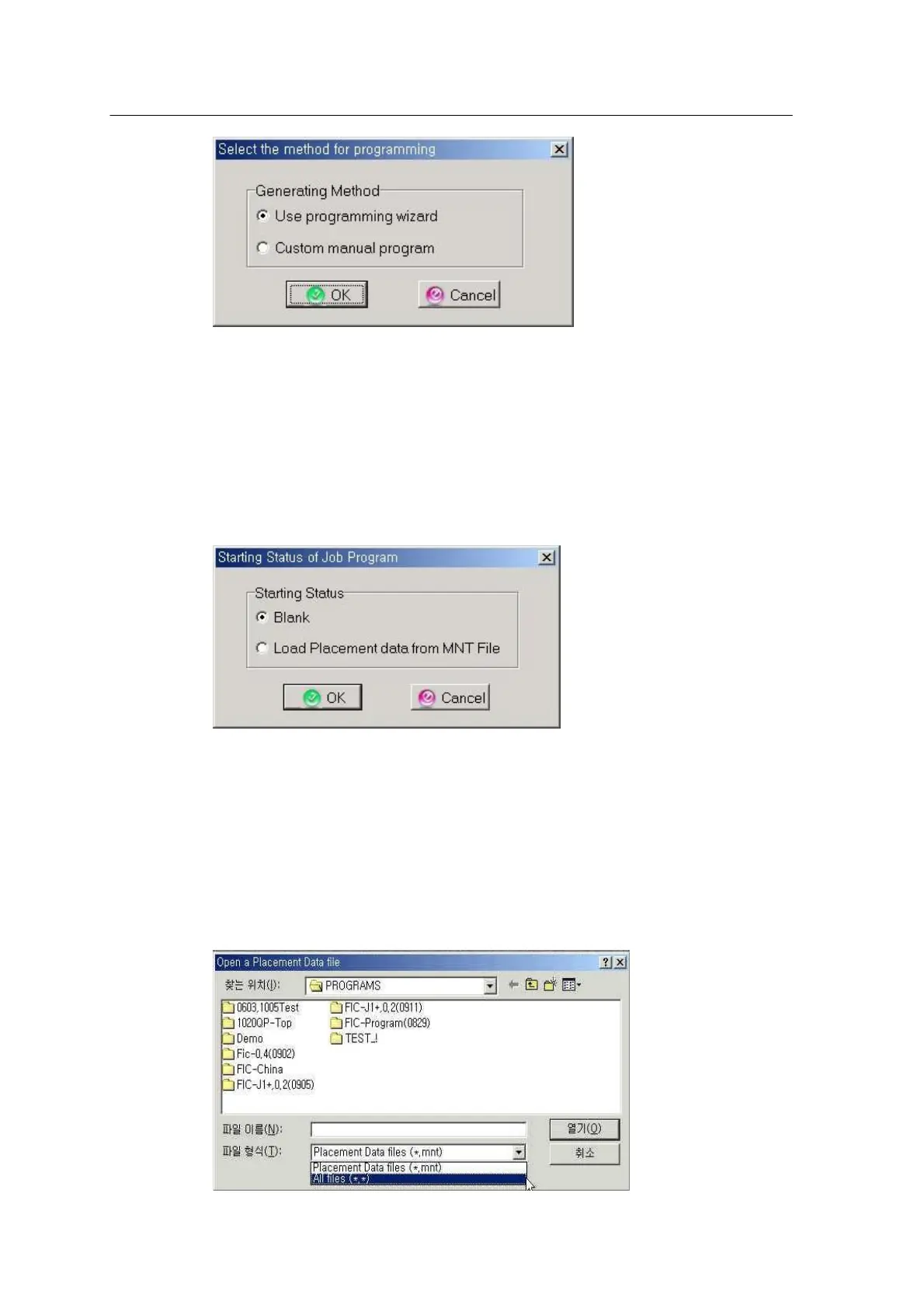
<Figure 6-14 가 Select a programming method >
Select a programming method.
•
Use programming wizard: Creates a program using the help wizard.
•
Custom manual program: Creates a program without the help wizard.
Custom Manual Program is commonly used. Press OK to proceed to the next step.
<Figure 6-15 가 Select a starting status of job program >
Select a starting status of job program.
•
Blank: Job programming starts with blank, in which user will directly enter data for
teaching.
•
Load Placement data from MNT File: External data such as CAD, Gerber or Image
conversiondata is used for the user’s convenience.



 To Next Page