6-38 Mx100/200 Series Operation Manual
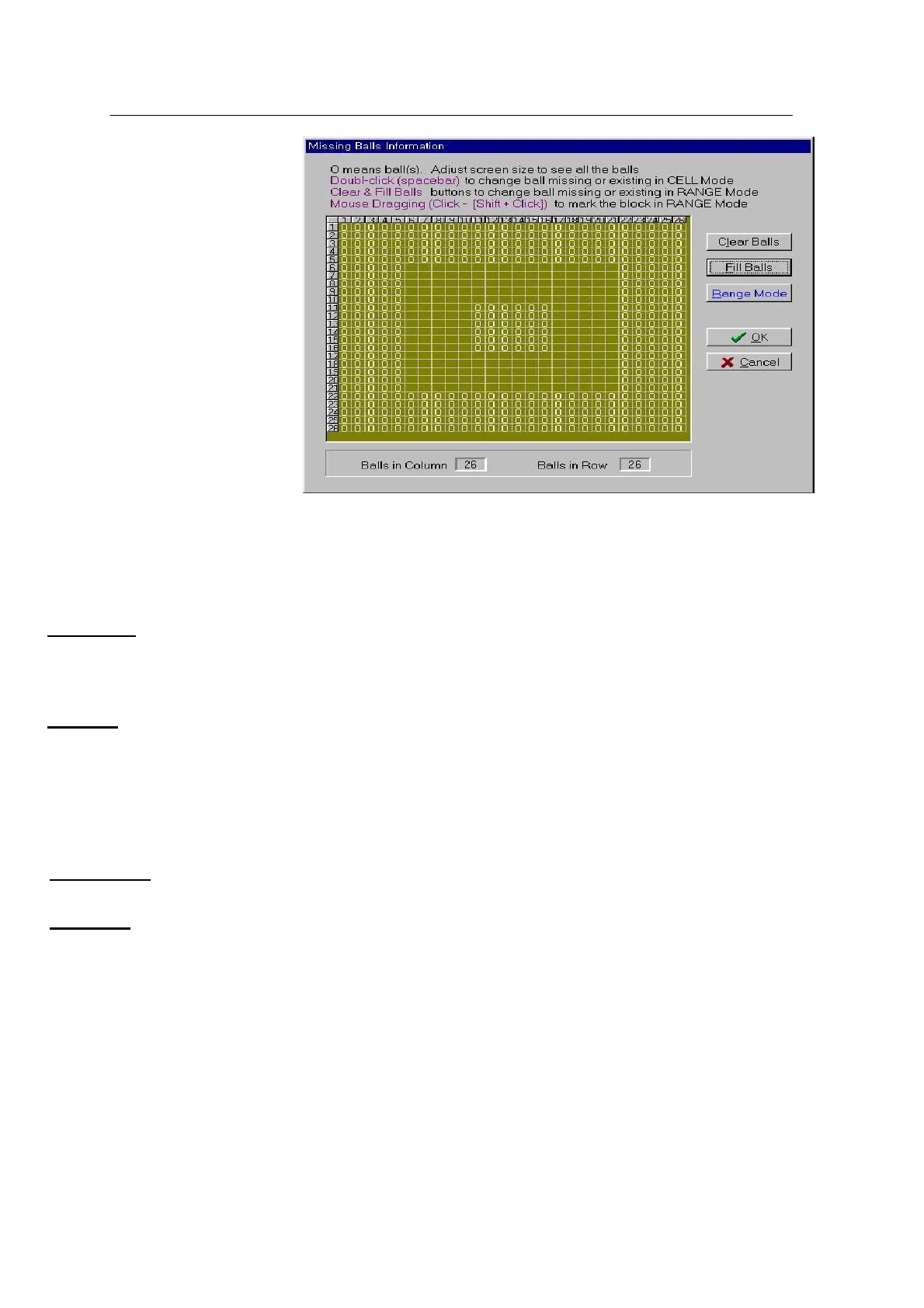
The figure above shows the BGA(Ball grid array) ball edit window.
‘0’ indicates ball placed.
Clear Balls
Clears balls in the selected area.
Fill Balls
Adds balls in the selected area.
Changes the ball edit mode.
Range Mode is used to select a range by mouse drag.
Cell Mode is used to edit an individual ball.



 To Next Page