6-54 Mx100/200 Series Operation Manual
3
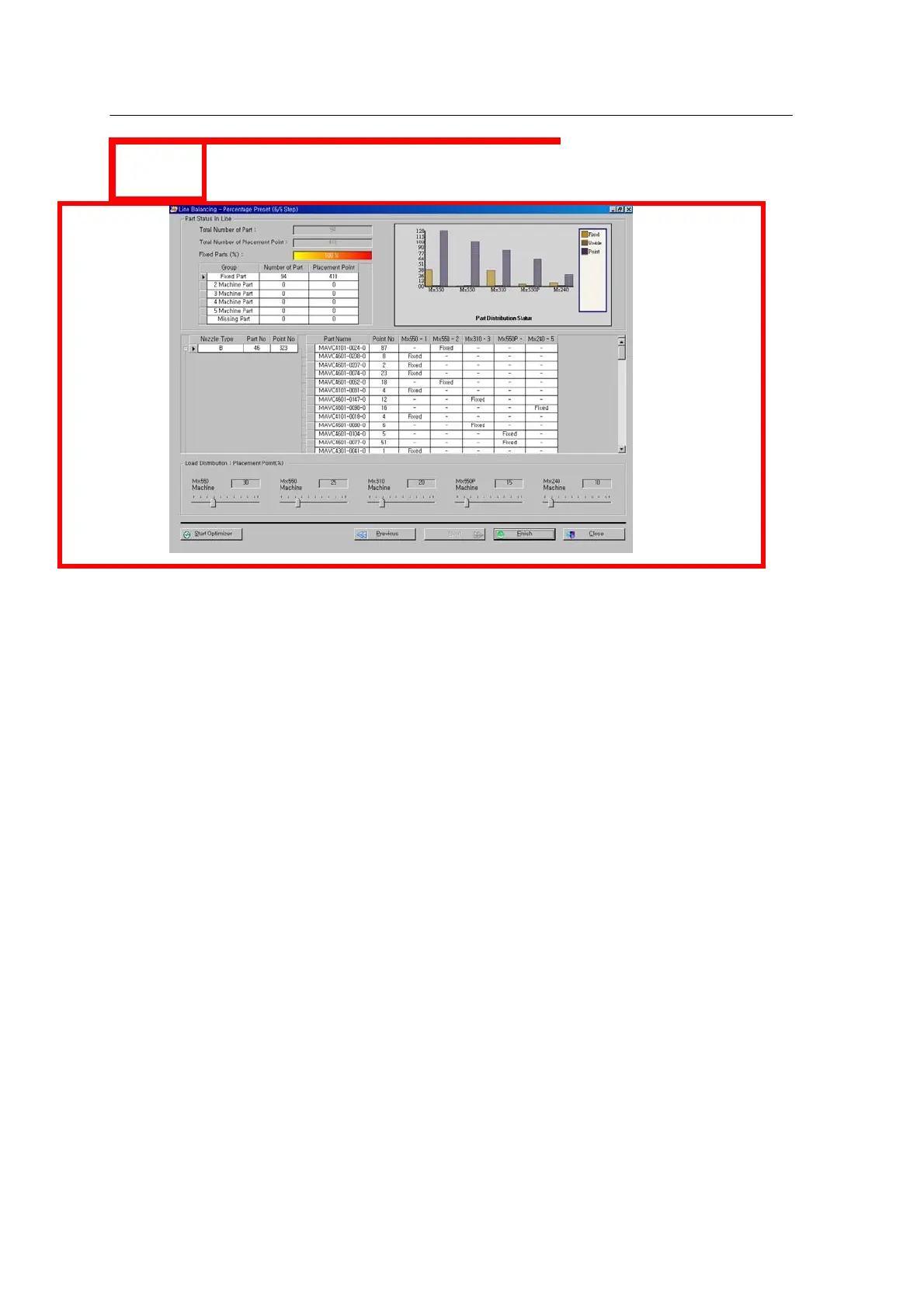
<Figure 6-48 가 Line balancing check window >
1). Set a percentage for the place point of each machine.
2). Check Nozzle Type setting for each machine.
3). Check the result of real-time line balancing.
4). When line balancing is completed, press the “Optimize” button to optimize the line.



 To Next Page