Chapter 6 Programming 6-67
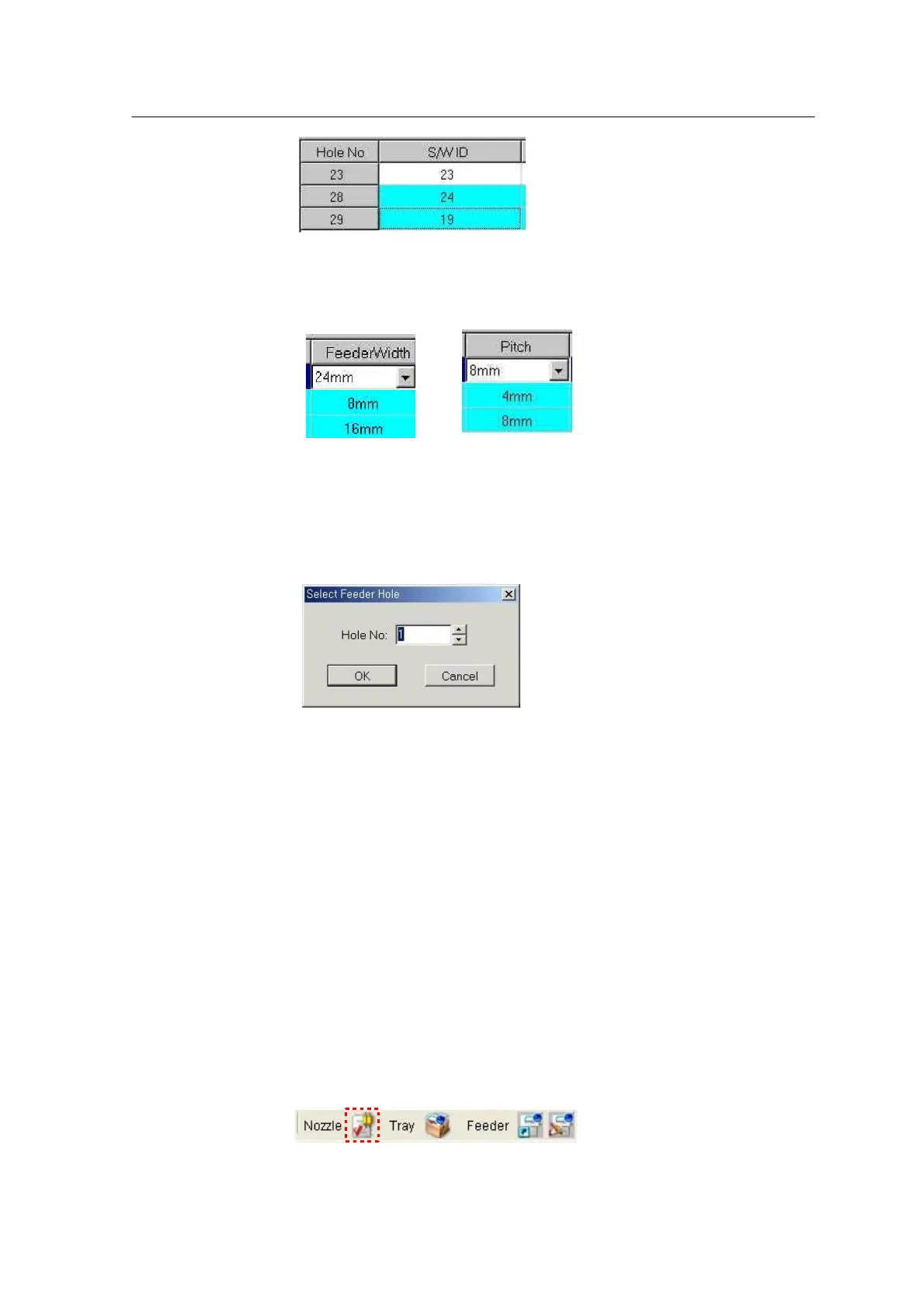
<Hole No, S/W ID> ※Identified with different numbers in case of an alpha feeder but recognized as the
same number in case of a C-feeder.
< Feeder Width> <Pitch>
To select an individual feeder, choose Each Feeder and press Read from
Feeder. Enter a desired feeder number in the dialog window and press OK.
<Each Feeder>
Nozzle assignment and ANC information check
Register feeder information through Intelligent Feeder and check the registered
information from the Nozzle Assignment Table of the Place Data tab.
Select the View Nozzle Assignment Table icon.



 To Next Page