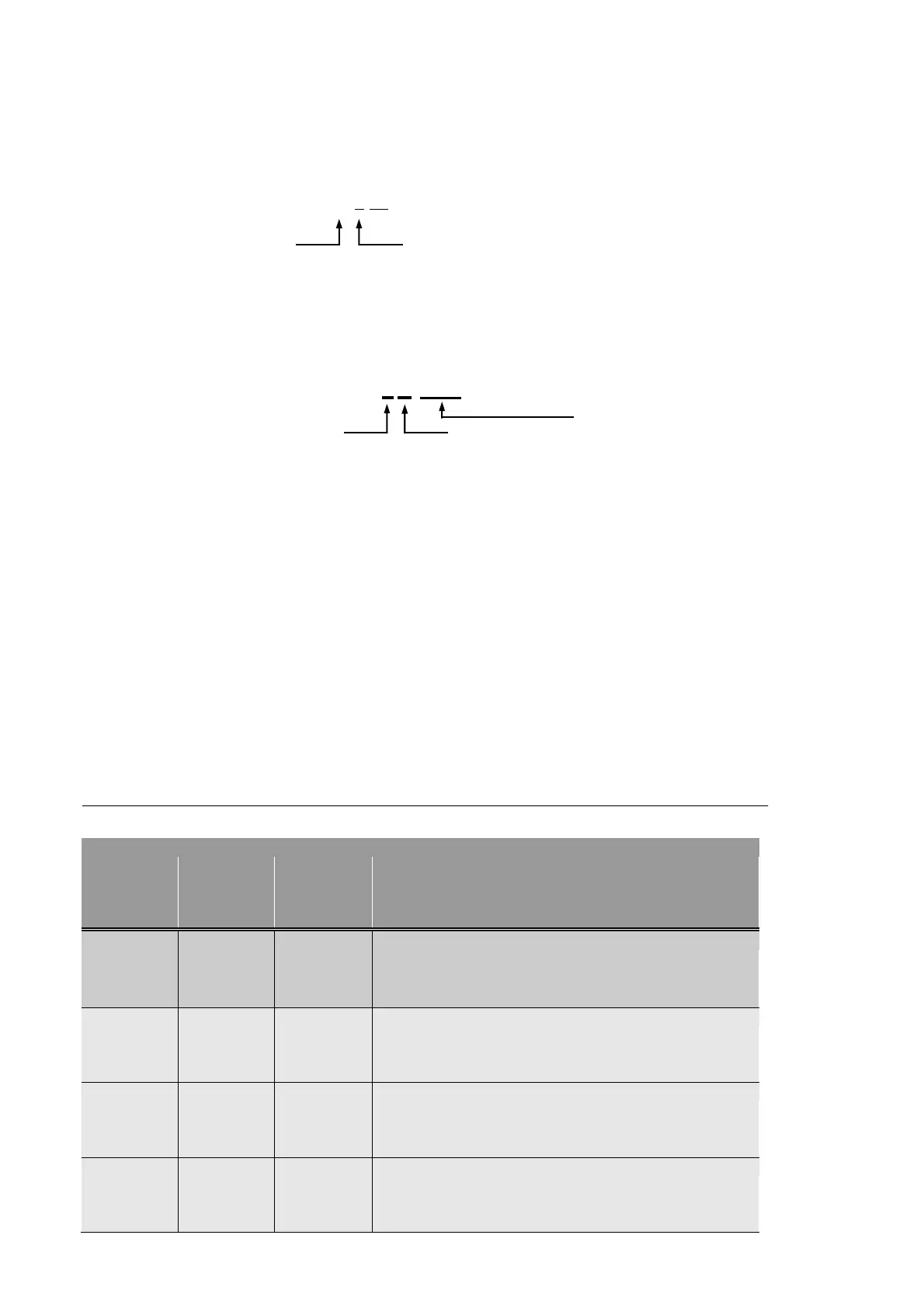
Page No. : Page No. is displayed on the top of each page.
Page No. contains the chapter and the page.
e.g.) 7-24
Chapter Page
Figure No: Figure No. is displayed on the bottom right of the figure.
Figure No. contains the chapter, the sequence of figure, and the title.
e.g.) <Figure 7-1 PWB Information>
Chapter
Fig. Title
Acronym: Acronym is displayed in capital letters.
e.g.) PWB (Printed Wiring Board)
Bold letters: Program menus and sub-commands are written in bold letters. e.g.)
Select New from the File menus.
iv
REVISION HISTORY
The following table shows revision history of this manual.



 To Next Page