Chapter 3 Setup 3-5
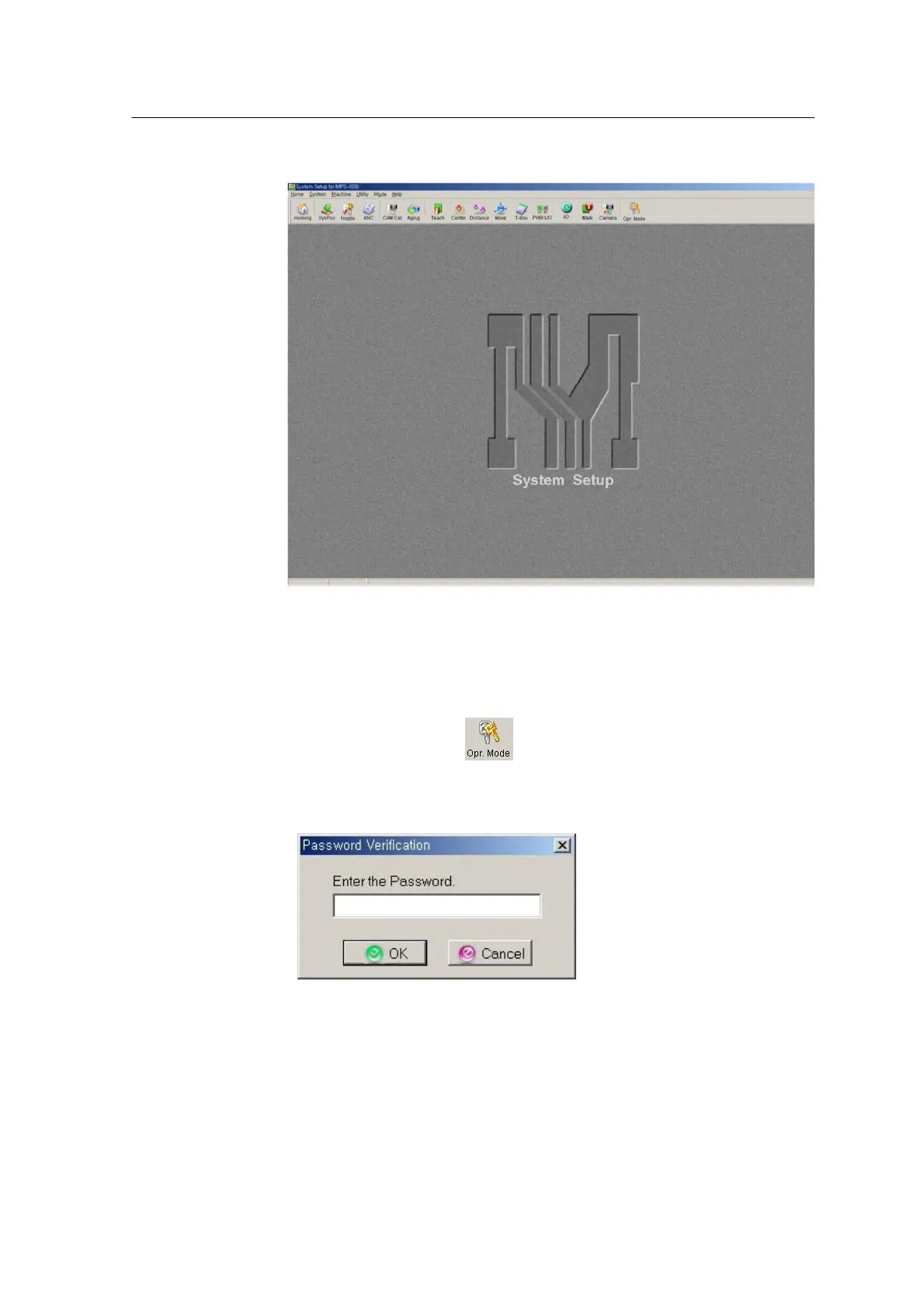
Run program
1. Run the MSetup Program.
2. Click Machine on the menu.
Make sure to switch mode from Operator to Engineer to activate the Machine
menu.
★ To change mode, click , enter password on the following dialog
box, and click OK. If the password is correct, the Mode button is changed to
Eng.Mode.
3. Select an option on the Machine menu.



 To Next Page