TN-5516/5518 User’s Manual Getting Started
2-2
RS-232 Console Configuration (115200, None, 8, 1, VT100)
NOTE
y You cannot connect to the serial and Telnet console at the same time.
y You can connect to the web console and another console (serial or Telnet) at the same time.
However, it is strongly recommended that you do NOT do so. Following this advice will
allow you to maintain better control over the TN-5500’s configuration.
NOTE
We recommend using PComm Terminal Emulator when opening the serial console. This
software can be downloaded free of charge from the Moxa website.
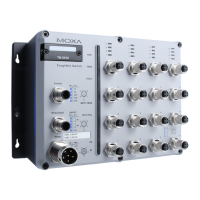
Before running PComm Terminal Emulator, use an M12 to DB9-F (or M12 to DB25-F) cable to
connect the TN-5500’s console port to your PC’s COM port (generally COM1 or COM2,
depending on how your system is set up).
After installing PComm Terminal Emulator, open the TN-5500’s serial console as follows:
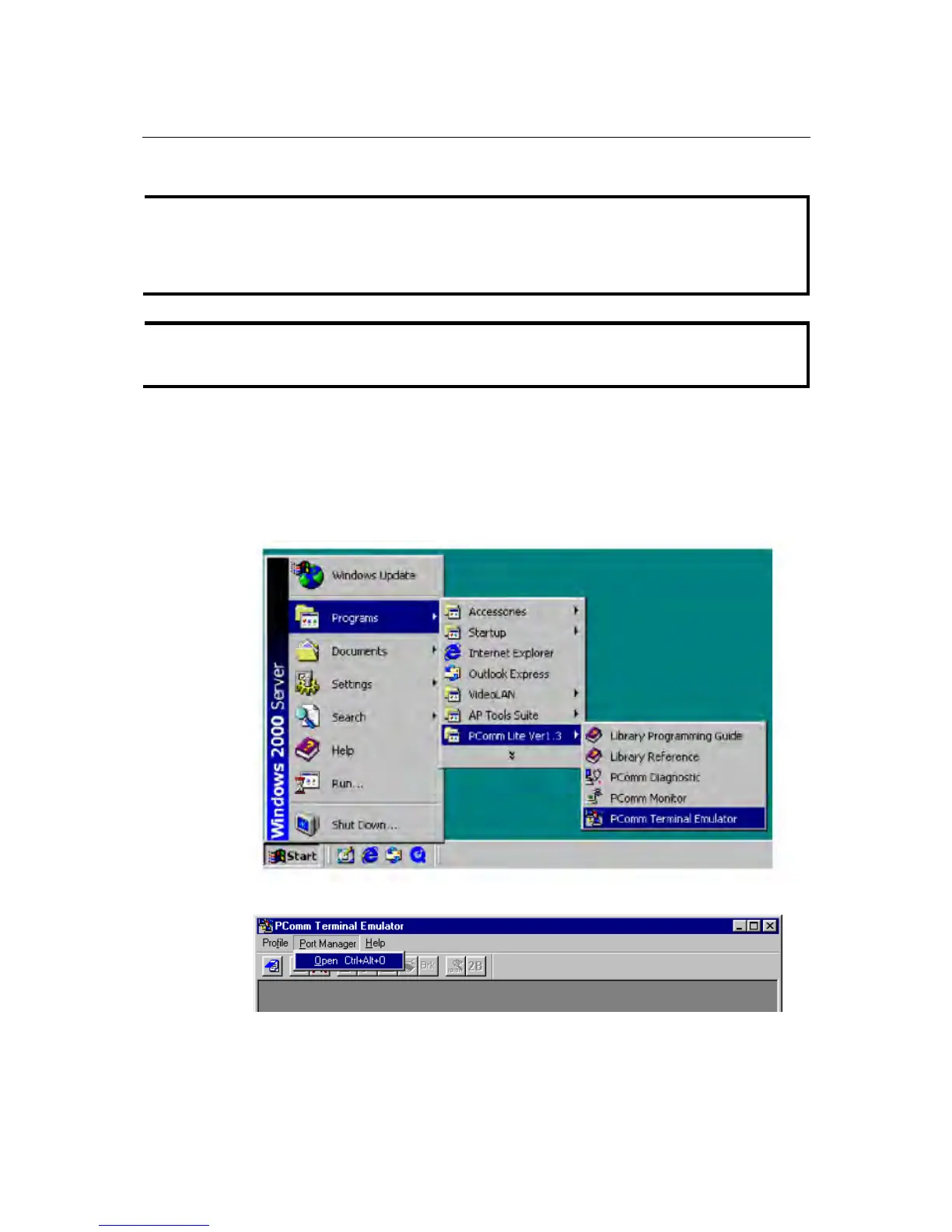
1. From the Windows desktop, click Start Æ Programs Æ PComm Lite 1.3 Æ Terminal
Emulator.
2. Select Open under the Port Manager menu to open a new connection.


 To Next Page
 Loading...









