SUPREMATouch
152
Installation
MSA
US
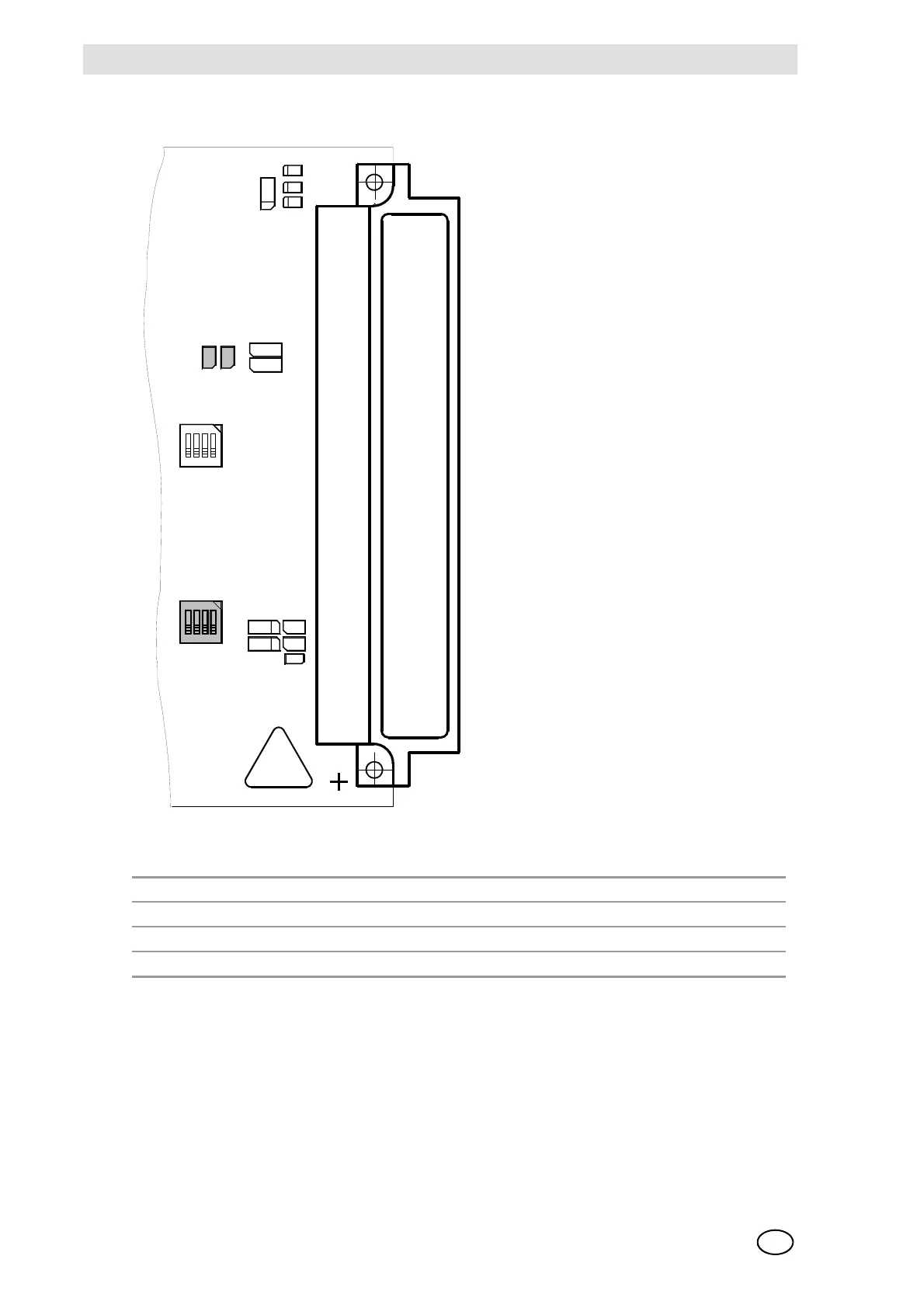
Configuration of the MDA20 Module
Fig. 81 Configuration of the MDA Module
The module MDA 20 is furnished with a bootloader for installing new firmware.
The switch S1-1 = OFF activates the bootloader mode.
NOTE: The normal function of the module is deactivated in the bootloader mode. This mode
should therefore be used only by the MSA service personnel!
The switch S2 is not used.
Switch S1
1234
ON ON ON ON Factory setting / Do not change
OFF X X X Bootloader active
D1
D2
D3
D320
D321
R320
R321
LP2
R91
R92
D
9
1
D14
S2
S1
ON
1234
ST 1
32
1
A B C
ON
3412
C
9
1
C
9
2



 To Next Page