Installation
SUPREMATouch
151
US
Configuration of the MDO-20 Module
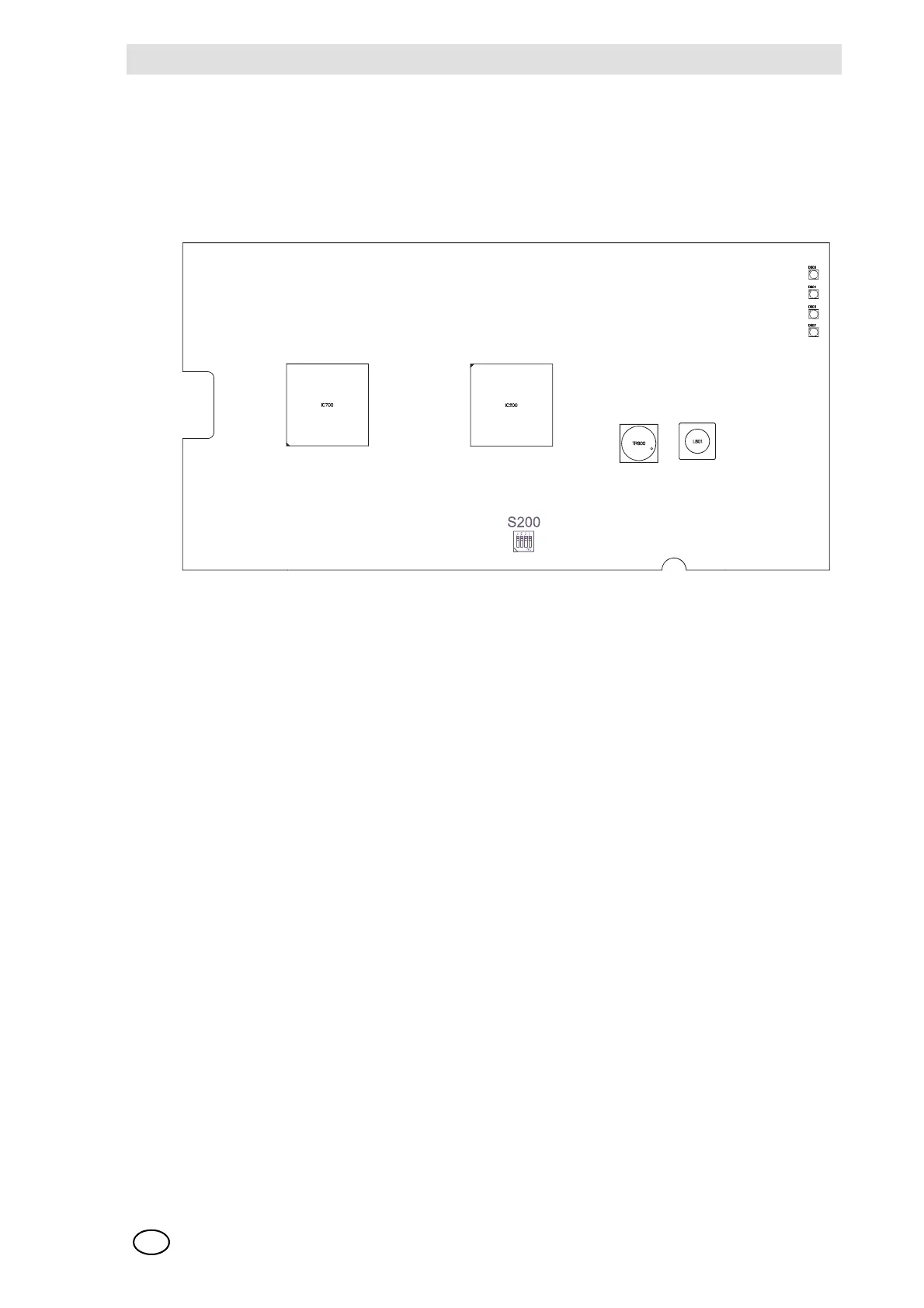
The MDO-20 module is shipped factory-configured. No changes to the configuration are planned.
Within the scope of the installation and start-up or the replacement of the MDO-20 module, how-
ever, the switch setting (S200 set to all OFF) shown in Figure 80, MDO-20 module, standard con-
figuration, must be checked and corrected if necessary.
Fig. 80 MDO Module, standard configuration
The module MDO-20 is furnished with a bootloader for installing new firmware.
The switch S200-1 = ON activates the bootloader mode.
NOTE: The normal function of the module is deactivated in the bootloader mode. This mode
should therefore be used only by the MSA service personnel!
Configuration of the MDC20 Module
No configuration.
Switch S200
1234
OFF OFF OFF OFF Factory setting / serial baud rate 19200 baud
OFF OFF OFF ON serial baud rate 115200 baud
ON OFF OFF OFF Bootloader active
* ON ON ON Reserved



 To Next Page