SUPREMATouch
214
Startup
MSA
US
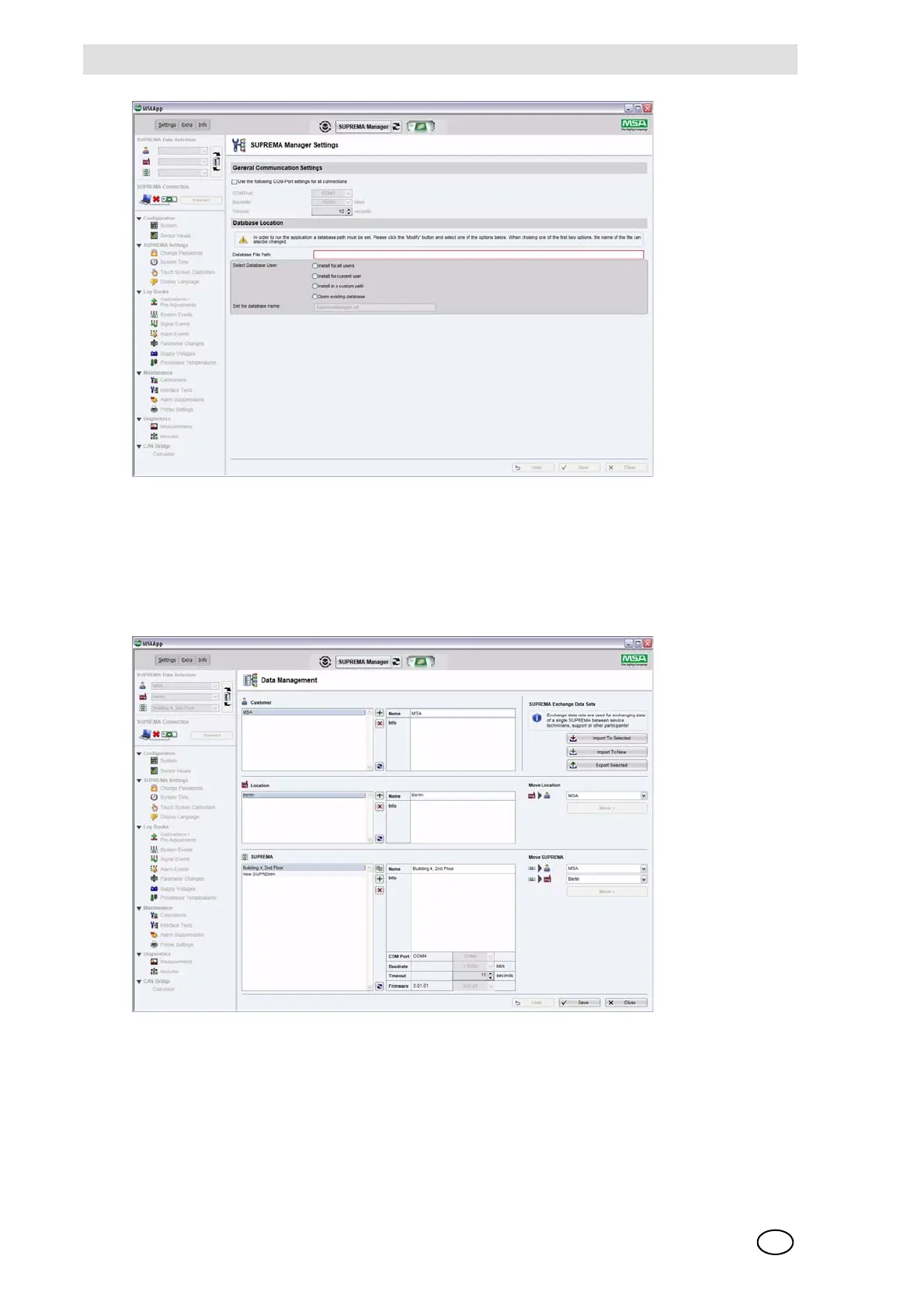
Fig. 158 Database location
After starting the program, you must select your working SUPREMA dataset in the
"SUPREMA Data Selection" area. If your database is empty or if you want to create a new
SUPREMA dataset, open the "Data Management" page by pressing the button in the
"SUPREMA Data Selection" area. After storing the new data, close the "Data Management" page
and select your new working dataset in the "SUPREMA Data Selection" area.
Fig. 159 Data management
Select the "Configuration > System" node in the tree view. The "Configuration > System >
Overview" page will be opened.



 To Next Page