Startup
SUPREMATouch
215
US
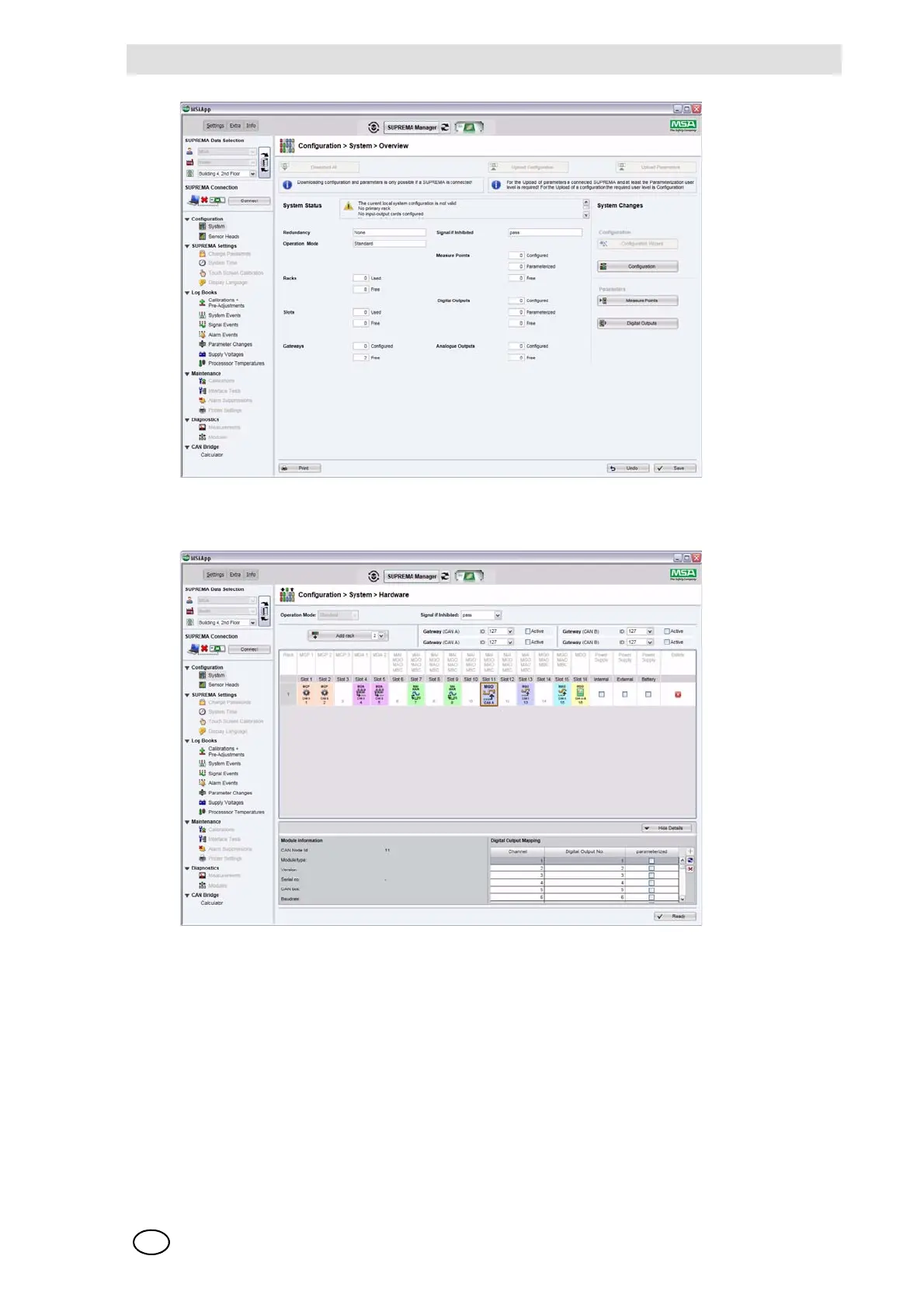
Fig. 160 System overview
Select here the "Configuration" button to open the configuration page.
Fig. 161 Configuration overview
Here you have the following options:
Adding a rack: Select the "Add rack" button. You can choose the rack number with-
in the button control.
Adding/deleting modules: Right click at the target slot and choose the desired module in the
context menu.
Editing mappings: Select a module to open the detail view. For Input/Output modules
you can edit the mapping here.



 To Next Page