SUPREMATouch
22
Operation of the System
MSA
US
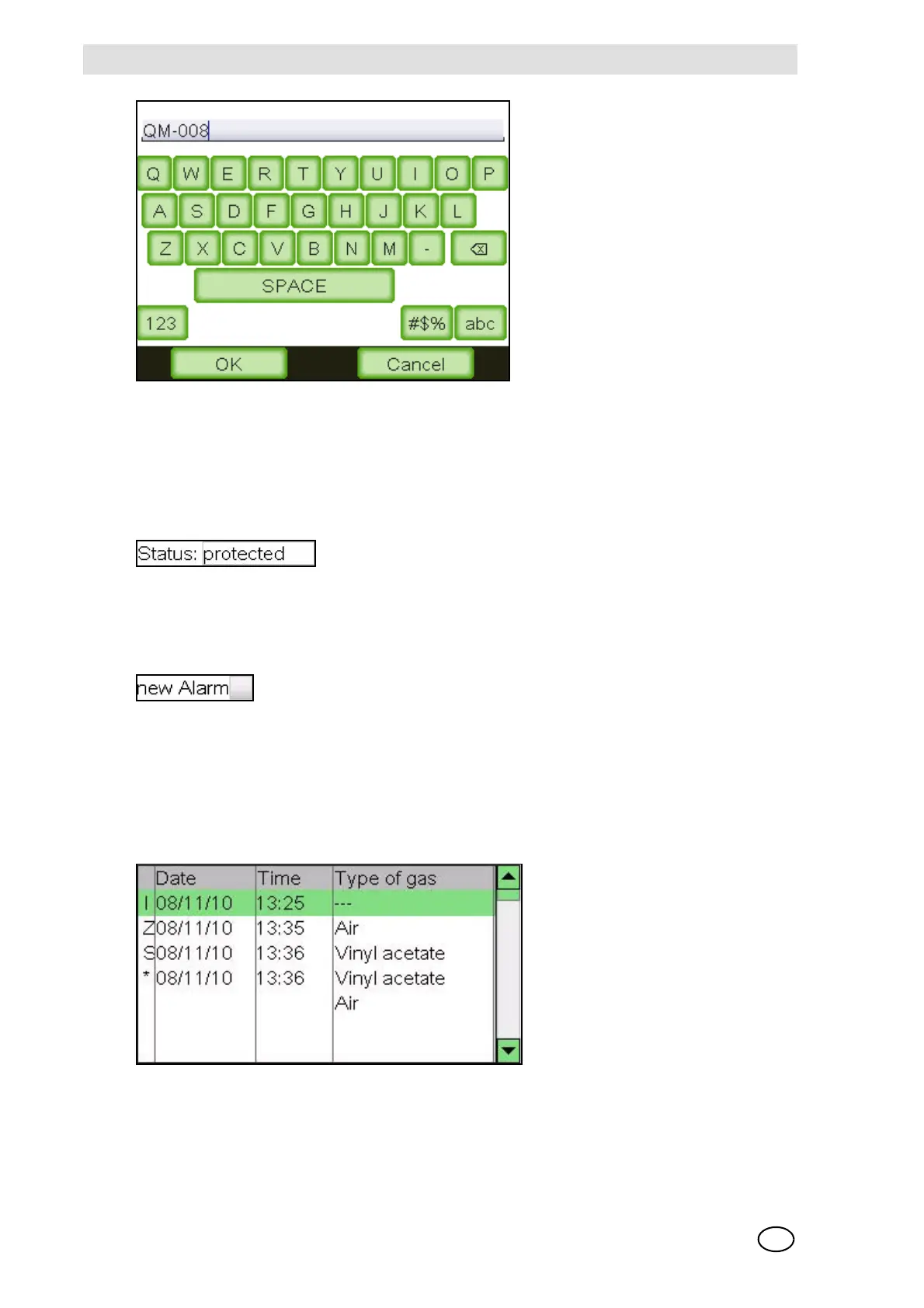
Fig. 6 Text input
The new character is always inserted at the position indicated by the cursor. To change the cursor
position, tap the required new position. Pressing the “” button deletes the character in front of
the cursor.
Display Fields
Display fields display information that cannot be changed. They are not affected by tapping it.
Check Boxes
Check boxes represent options that can be enabled or disabled. Tapping the box switches be-
tween enabled and disabled status.
An enabled check box shows a cross. A disabled check box is empty.
Lists
Lists simply display information. No parameters can be entered. To scroll the list, move it while
kept touched or use the scrollbar.
In some lists [e.g. SystemEventList], additional information about the selected item can be dis-
played by double-tapping it.



 To Next Page