Operation of the System
SUPREMATouch
21
US
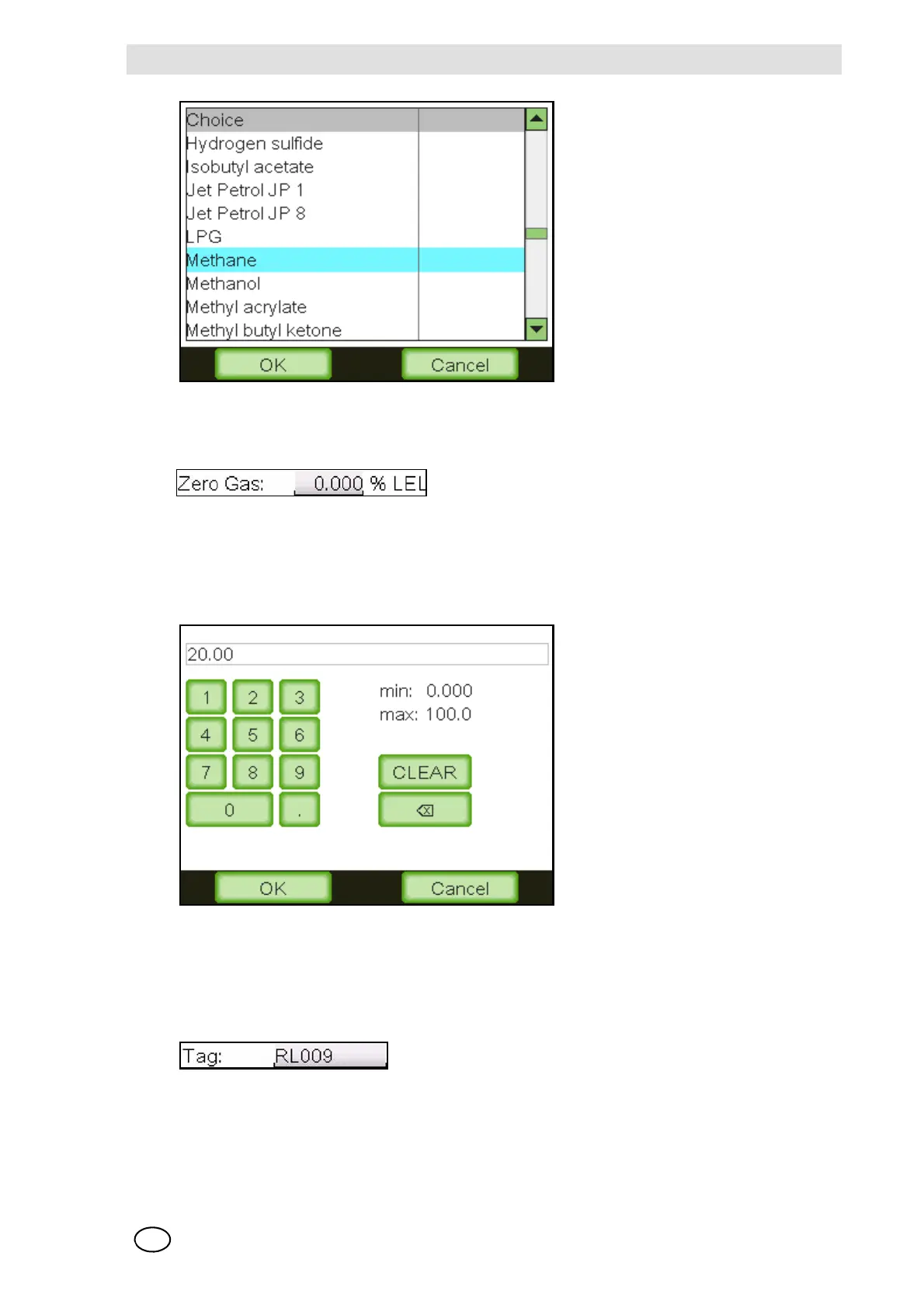
Fig. 4 Selection mask
Number Fields
Number fields can contain integers or decimal numbers that can be changed. By tapping the field,
a new window pops up that allows a new value to be entered. To store a new value, press the
“OK” button. It is not possible to store a value if it is not in the range indicated by the “min” and
“max” values.
Fig. 5 Number input
Pressing the “CLEAR” button deletes the entered number. Pressing the “” button deletes the
last digit.
Text Fields
Text fields can contain numbers, letters and special characters that can be changed by the oper-
ator. By tapping the field, a new window pops up and allows editing of the text. To save the text,
press the “OK” button.



 To Next Page