SUPREMA
232
Connection of Peripherals
MSA
US
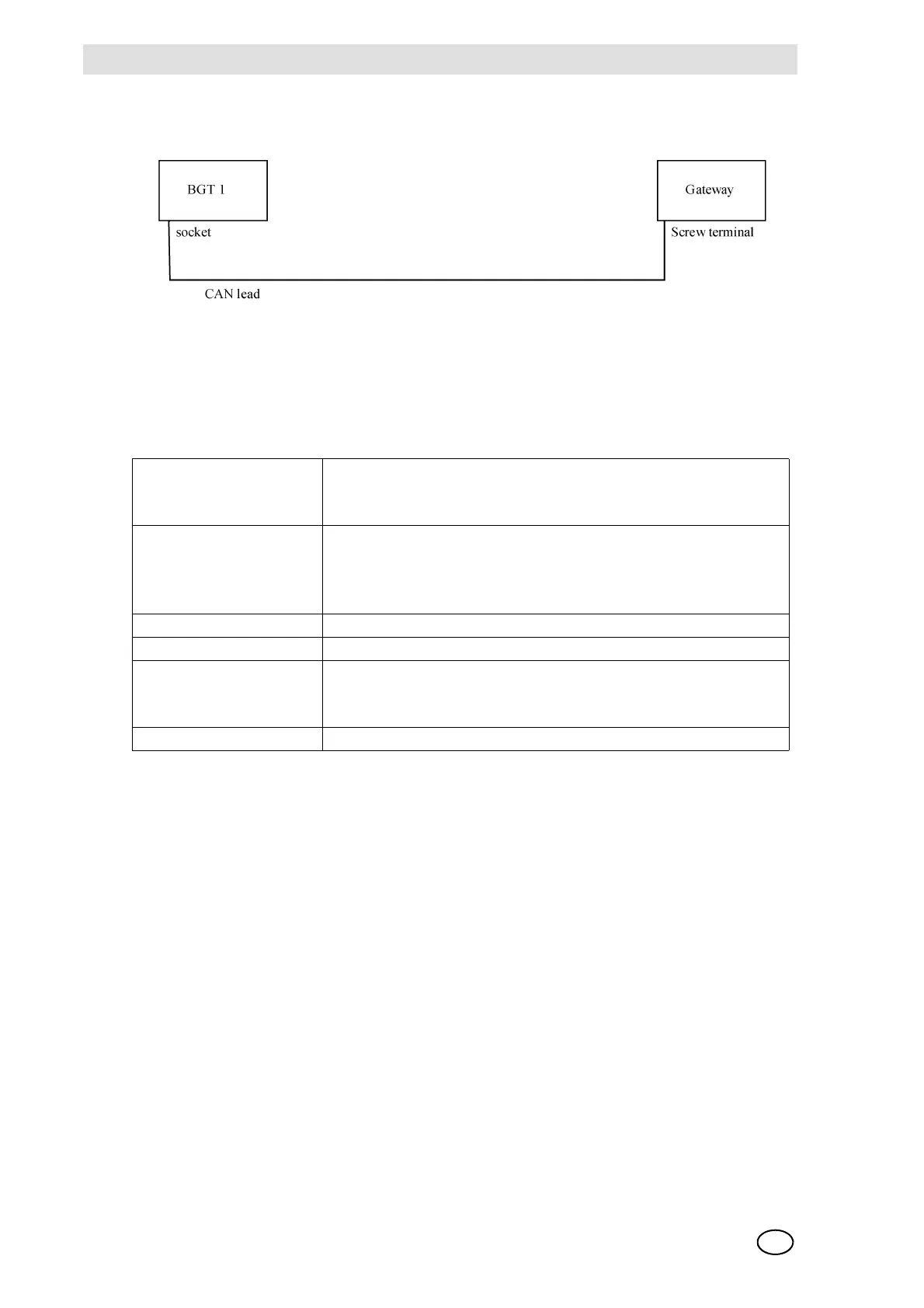
Connection to the SUPREMA:
Fig. 171 Connection Suprema Gateway CAN/Profibus DP
The CAN terminating resistor of BGT 1 has not been set. At the CAN Bus terminal (from 2 to 4),
a 120 Ohm resistor is connected together with the CAN cable.
Technical Data:
Fig. 172 Technical Data Suprema Gateway CAN/Profibus DP
Supply voltage Nominal voltage: 24 V/DC ± 10%
current consumption (at 20 °C): 125 mA max.
(+20 mA on TTY operation of the serial interface)
Plug connector X100-SIO331 (DSUB9, plug) - serial interface
X100-CBMPB (DSUB9, socket) - profibus-DP-interface
X101 (6-pin screw connector UEGM) - 24 V supply voltage
X400 (Combicon design, 5-pin MSTB2.5/5.08) - CAN or DeviceNet
Temperature range 0 ... 50 °C environmental temperature
Humidity max. 90%, noncondensing
Dimensions of the cabinet
(L x W x H)
Width: 40 mm, Height: 85 mm, Depth: 83 mm
(including mounting rail and protruding connector DSUB9, without
CAN/DeviceNet plug
Weight Approx. 200 g



 To Next Page